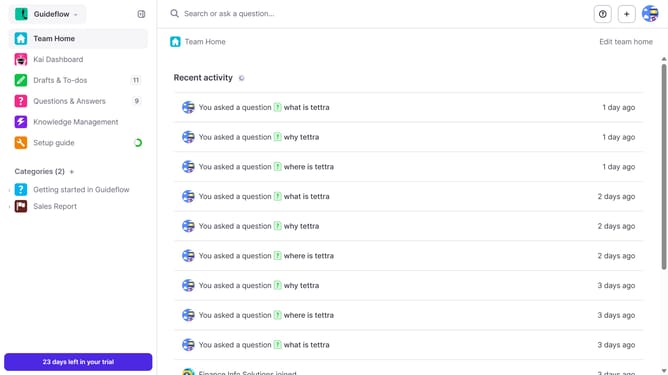
How to disable email when a teammate comments on your question in Tettra
Here is how to disable email when a teammate comments on your question in tettra
- First click on the profile dropdown in the header
- Then select "Team settings" from the dropdown menu in the sidebar
- Next click on "My notifications" in the sidebar
- Then uncheck on the checkbox next to "When a teammate answers my question"
- Finally click on the "Update notification settings" button
Why should you How to disable email when a teammate comments on your question in Tettra
Tettra is your team's go-to knowledge management tool, simplifying the way you share and organize information.
Disabling email notifications for comments on your questions in Tettra helps keep your inbox clutter-free and reduces distractions. It's perfect for staying focused on priorities without missing out on team interactions.
By configuring notification settings, you maintain control over how and when you receive updates. This feature streamlines communication and boosts productivity, enhancing your overall experience with Tettra.
Last update