How to disable email when a teammate answers a question assigned to you in Tettra
Here is how to disable email when a teammate answers a question assigned to you in tettra
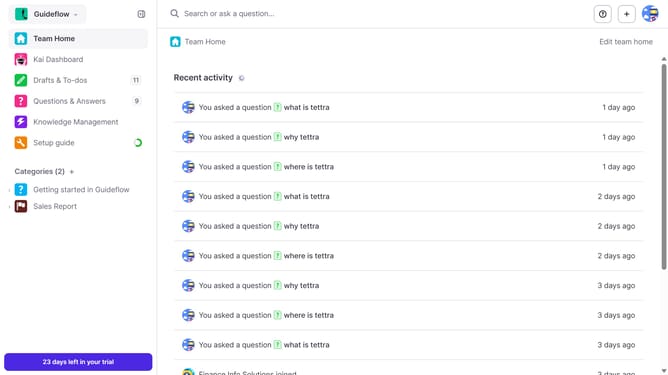
- First click on the profile dropdown in the header
- Then select "Team settings" from the dropdown menu in the sidebar
- Next click on "My notifications" in the sidebar
- Then uncheck on the checkbox next to "When a teammate answers a question assigned to me"
- Finally click on the "Update notification settings" button
Why should you How to disable email when a teammate answers a question assigned to you in Tettra
Tettra is a smart internal knowledge management system designed to help teams share and find information effortlessly.
One valuable feature of Tettra is the ability to disable email notifications when a teammate responds to a question assigned to you. This feature streamlines your inbox by reducing unnecessary notifications.
By managing your email preferences, you can focus on what's important without being disrupted. This can significantly enhance your productivity, allowing you to stay engaged with your work while still benefiting from timely updates within Tettra.
Utilizing this feature ensures that communication remains efficient, helping teams stay aligned and informed without the clutter of constant email alerts.
Last update