How to disable email when a teammate asks you a question in Tettra
Here is how to disable email when a teammate asks you a question in tettra
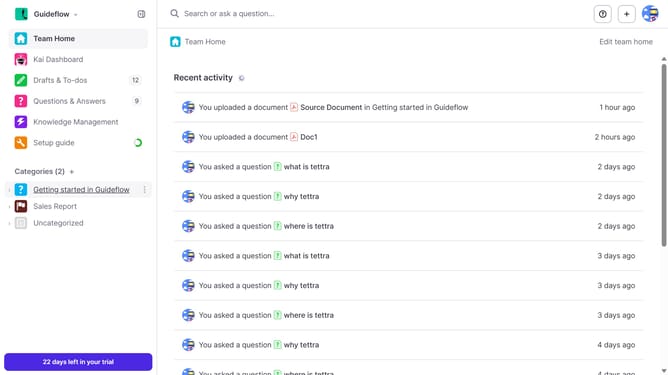
- First click on the profile dropdown in the header
- Then select "Team settings" from the dropdown menu in the sidebar
- Next click on "My notifications" in the sidebar
- Then uncheck on the checkbox next to "When a teammate asks me a question"
- Finally click on the "Update notification settings" button
Why should you How to disable email when a teammate asks you a question in Tettra
Tettra is a powerful knowledge management tool designed to streamline team communication and collaboration.
One of the beneficial features of Tettra is the ability to disable emails when a teammate asks you a question. This feature is designed to help you focus on your work without being overwhelmed by email notifications.
By disabling these emails, you gain greater control over your communication preferences, minimizing distractions and enhancing productivity. It's perfect for those who thrive in a more streamlined environment, allowing you to check questions at your convenience instead of being interrupted.
Overall, this thoughtful feature empowers you to manage your workflow efficiently, promoting a balanced and focused workday.
Last update