How to move a page into a sub category in Tettra
Here is how to move a page into a sub category in tettra
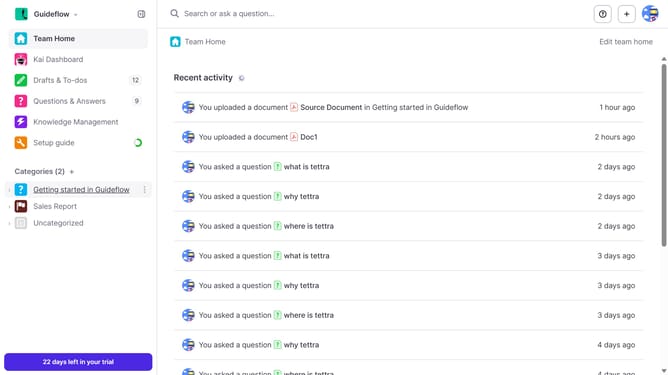
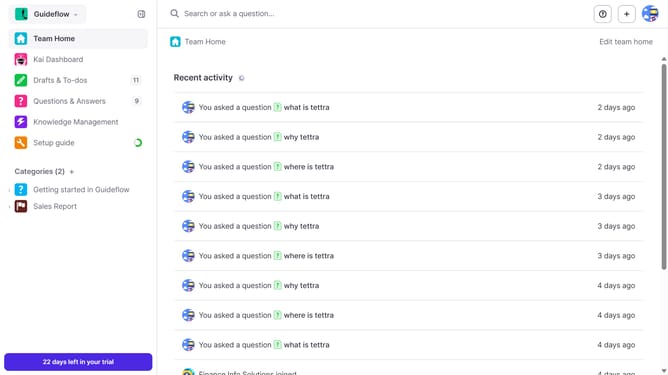
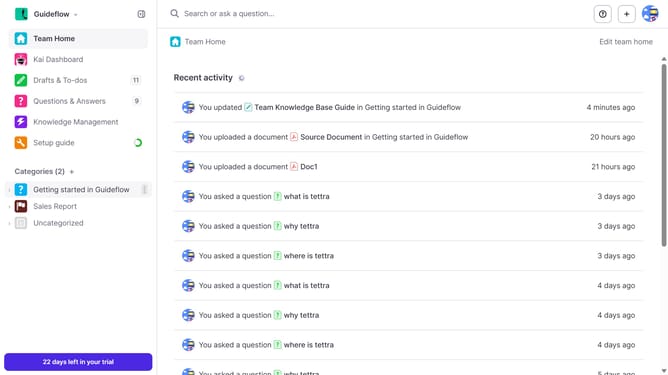
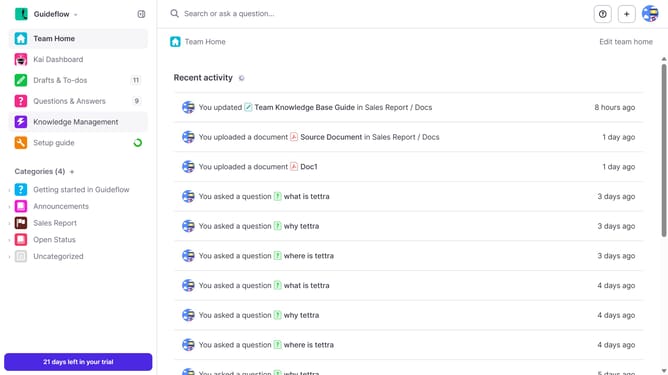
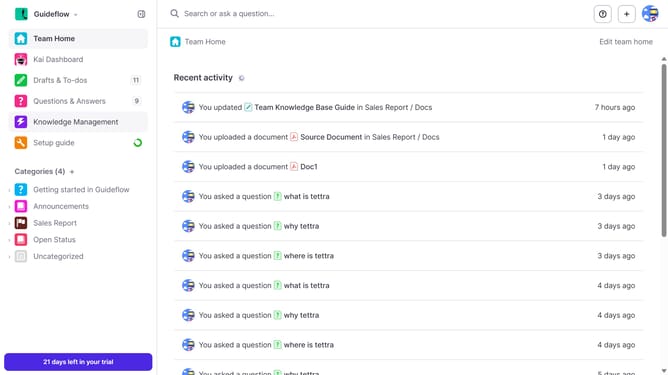
- First click on the category name in the left sidebar
- Then click on the checkbox on the upper right side
- Next, click on the checkbox next to the page you want to move
- Then click on the "Move" button
- Next, click on the dropdown arrow to select the sub category
- Then click on your preferred subcategory
- Finally click on the "Move" button
Why should you How to move a page into a sub category in Tettra
Tettra is a knowledge management platform designed to help teams organize and share information seamlessly.
One standout feature of Tettra is the ability to move a page into a subcategory effortlessly. This feature allows users to keep their documentation neatly organized, enhancing accessibility and ease of navigation.
By structuring pages into subcategories, teams can find information faster and maintain a cleaner, more intuitive knowledge base.
This organizational tool is essential for improving collaboration and ensuring that knowledge is structured logically, promoting efficiency and clarity across the team.
Last update