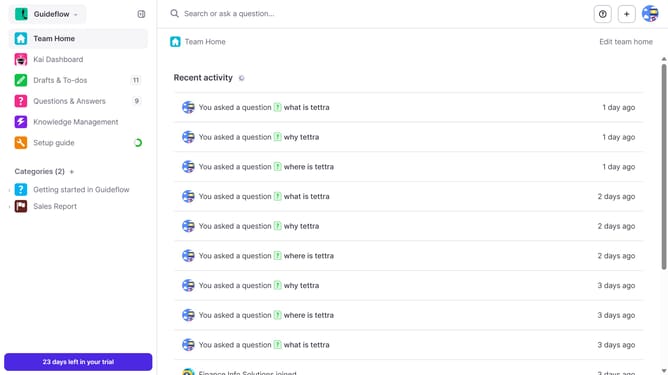
How to disable email when a teammate shares a draft with you in Tettra
Here is how to disable email when a teammate shares a draft with you in tettra
- First click on the profile dropdown in the header
- Then select "Team settings" from the dropdown menu in the sidebar
- Next click on "My notifications" in the sidebar
- Then uncheck on the checkbox next to "When a page or link needs verification"
- Finally click on the "Update notification settings" button
Why should you How to disable email when a teammate shares a draft with you in Tettra
Tettra is a knowledge management tool designed to help teams document, organize, and share information effortlessly.
A standout feature is the ability to disable email notifications when a teammate shares a draft with you. This ensures that your inbox remains free from clutter, allowing you to focus on tasks without unnecessary interruptions.
By turning off email notifications, you maintain control over how and when you receive updates, promoting a more streamlined and efficient workflow. This can lead to improved productivity, as you choose when to engage with shared drafts at your convenience.
Last update