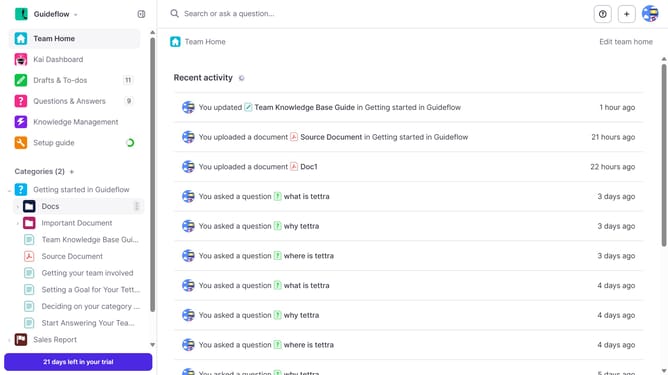
How to enable email when a teammate answers my question in Tettra
Here is how to enable email when a teammate answers my question in tettra
- First click on the profile dropdown in the header
- Then select "Team settings" from the dropdown menu in the sidebar
- Next click on "My notifications" in the sidebar
- Then check on the checkbox next to "When a teammate answers my question"
- Finally click on the "Update notification settings" button
Why should you How to enable email when a teammate answers my question in Tettra
Tettra is a knowledge management tool designed to streamline team collaboration and information sharing.
By enabling email notifications for when a teammate answers your question in Tettra, you stay informed and connected with real-time updates. This feature keeps everyone on the same page, reducing back-and-forth communication and saving time.
Using this email feature enhances productivity, ensuring you don’t miss valuable insights and accelerates decision-making by keeping you informed of team interactions on shared knowledge.
Last update