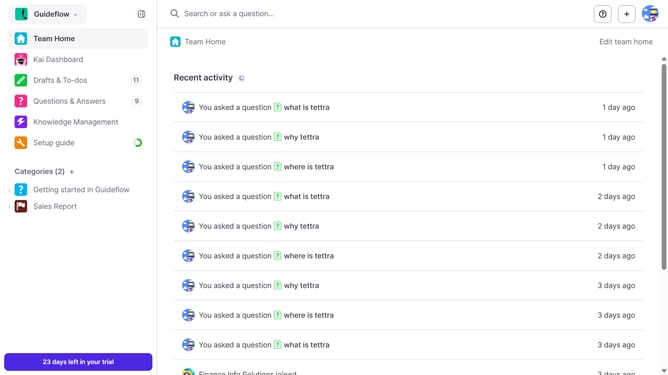
How to delete MCP key in Tettra
Here is how to delete mcp key in tettra
- First click on the profile dropdown in the header
- Then select "Team settings" from the dropdown menu in the sidebar
- Next, click on "My API keys" in the left sidebar
- Finally click on the "Delete MCP Key" button
Why should you How to delete MCP key in Tettra
Tettra is a dynamic knowledge management tool designed to help teams collaborate more efficiently.
Deleting an MCP key in Tettra streamlines your workspace by removing outdated or unnecessary information, enhancing team productivity and focus.
This feature ensures that your knowledge base remains current and relevant, providing clarity and saving your team valuable time.
By maintaining only the most pertinent data, you enhance decision-making processes and foster a more organized digital environment.
Last update