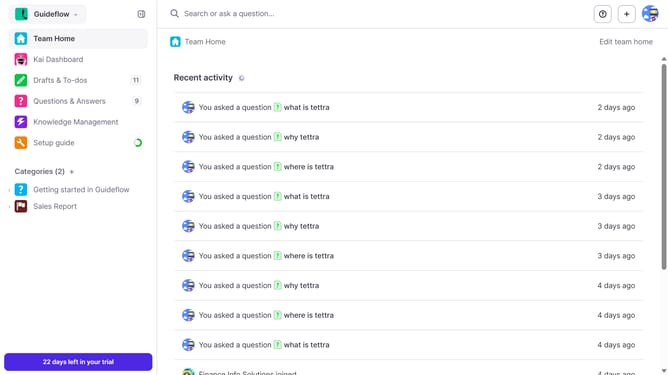
How to move a subcategory to a different category in Tettra
Here is how to move a subcategory to a different category in tettra
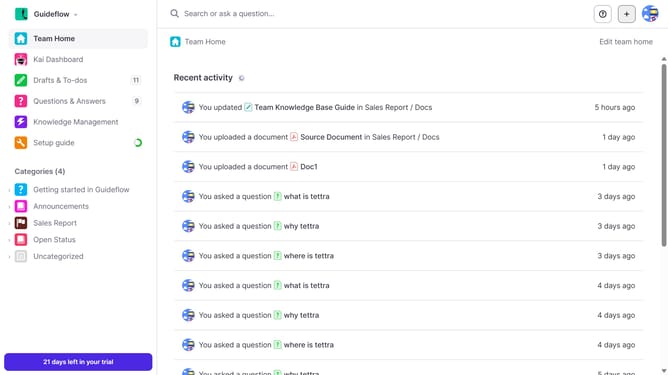
- First click on the category name in the left sidebar
- Then click on the checkbox on the upper right side
- Next, click on the checkbox next to the subcategory you want to move
- After that, click on the "Move" button
- Then, click on the dropdown arrow under the category in the modal
- Next, select from the dropdown list
- Finally, click on the "Move" button to confirm the action
Why should you How to move a subcategory to a different category in Tettra
Tettra is a collaborative knowledge management tool designed to streamline team documentation and information sharing effortlessly.
Moving a subcategory to a different category in Tettra optimizes the organizational structure of your team's knowledge base.
This feature allows you to realign content dynamically, ensuring that your documents and information are stored in the most logical and accessible location.
By keeping your knowledge base well-organized, your team can locate necessary information efficiently, enhancing productivity and collaboration.
Ultimately, this flexibility supports evolving project needs and aids in maintaining a clear and cohesive knowledge environment.
Last update