How to get your MCP key in Tettra
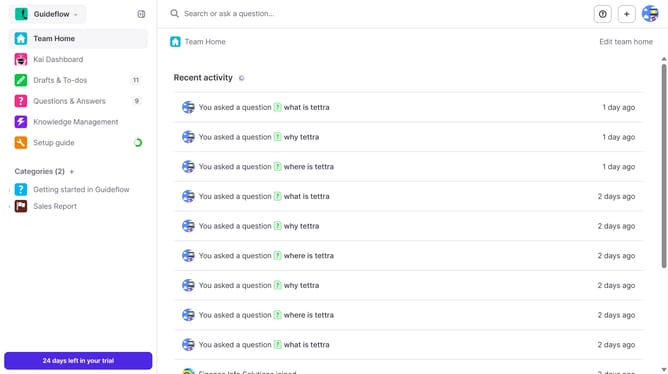
Here is how to get your mcp key in tettra
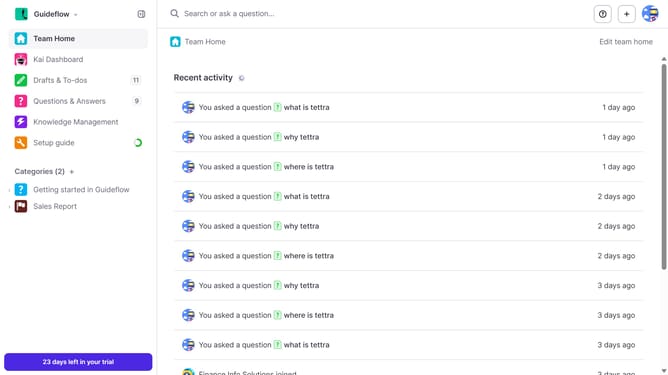
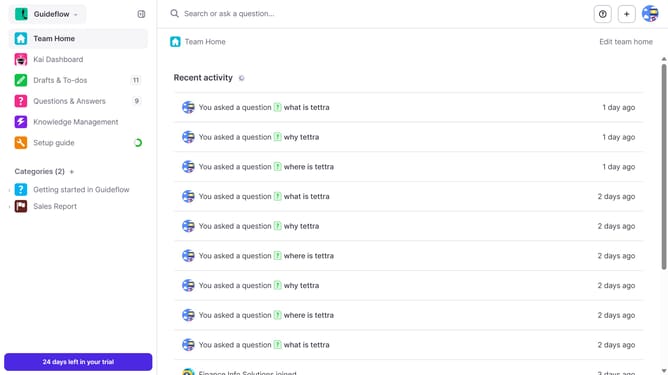
- First click on the profile dropdown in the header
- Then select "Team settings" from the dropdown menu in the sidebar
- Next, click on "My API keys" in the left sidebar
- Finally, click on the copy icon to copy the MCP API key
Why should you How to get your MCP key in Tettra
Tettra is an intelligent knowledge management system designed to streamline team collaboration and information sharing.
One of Tettra's key features is its seamless process for obtaining your MCP key, which serves as a crucial access point for enhanced integrations. By securing your MCP key, you unlock the potential for smoother workflows and more personalized user experiences.
Utilizing your MCP key in Tettra ensures that your team can easily connect and synchronize vital tools. This integration enhances productivity by providing quick access to essential data, thereby fostering efficient decision-making and collaboration.
Last update