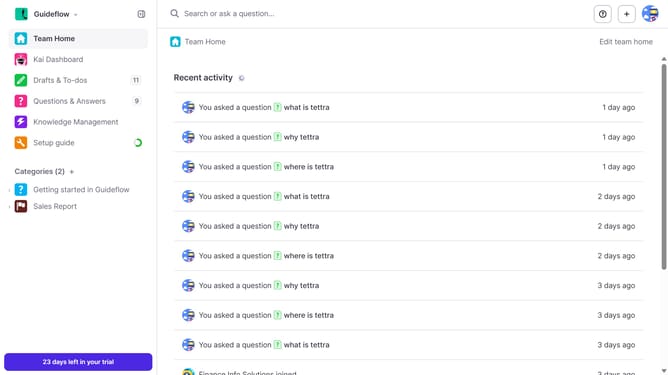
How to disable email when a teammate answers my question in Tettra
Here is how to disable email when a teammate answers my question in tettra
- First click on the profile dropdown in the header
- Then select "Team settings" from the dropdown menu in the sidebar
- Next click on "My notifications" in the sidebar
- Then uncheck on the checkbox next to "When a teammate answers my question"
- Finally click on the "Update notification settings" button
Why should you How to disable email when a teammate answers my question in Tettra
Tettra is a seamless knowledge management tool designed to streamline team communication and collaboration.
One of Tettra’s customizable features allows you to manage email notifications, such as turning off emails when a teammate answers your question. This ensures that your inbox remains uncluttered, allowing you to focus on tasks that truly matter to you.
Utilizing this feature can enhance your productivity by reducing distractions, helping you maintain a more organized and efficient workflow. It's a great way to take control of your digital workspace, adapt it to your personal preferences, and boost team efficiency.
Last update