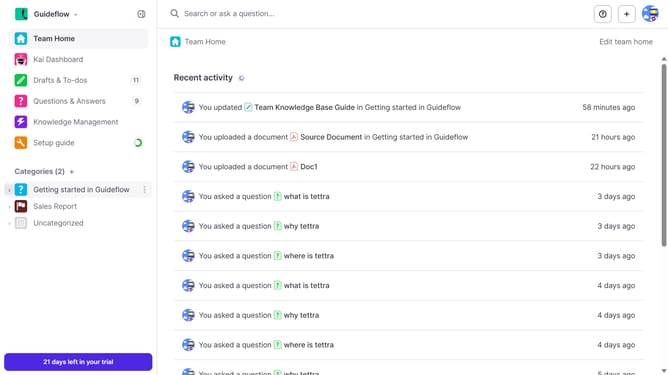
How to delete a subcategory in Tettra
Here is how to delete a subcategory in tettra
- First, click on the sub category name in the sidebar
- Then, click on the three dots icon in the top right of the main content area
- Next, select "Delete" from the dropdown menu
- Finally, click on the "Delete subcategory" button to confirm
Why should you How to delete a subcategory in Tettra
Tettra is an intuitive knowledge management platform designed to streamline team collaboration and information sharing.
One of its standout features is the ability to delete a subcategory easily. This feature enhances organization within the platform, allowing teams to maintain a clean and focused workspace.
Removing unnecessary subcategories simplifies navigation, ensuring team members can quickly access the most relevant information. This helps in keeping the knowledge base up-to-date and minimizes clutter, ultimately boosting productivity and efficiency.
Last update