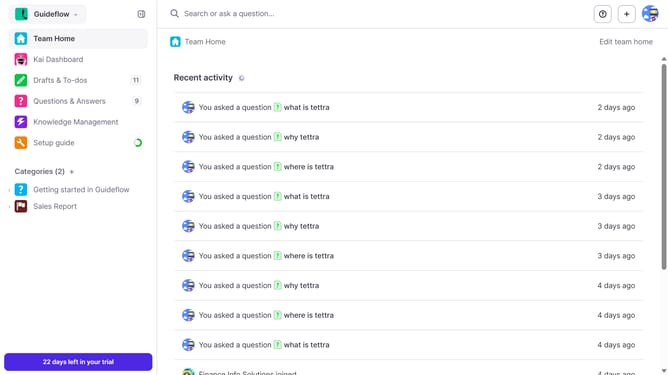
How to generate MCP key in Tettra
Here is how to generate mcp key in tettra
- First click on the profile dropdown in the header
- Then select "Team settings" from the dropdown menu in the sidebar
- Next, click on "My API keys" in the left sidebar
- Finally click on the "Generate MCP Key" button
Why should you How to generate MCP key in Tettra
Tettra is an intuitive knowledge management system designed to streamline team communication and document collaboration.
Generating an MCP key in Tettra is an invaluable feature for enhancing your team's workflow. This key allows for seamless integrations with other tools, fostering an interconnected environment where information flows effortlessly.
Using the MCP key ensures that your team benefits from synchronized data and streamlined operations, reducing redundancy and increasing efficiency. As a result, your team can make quicker decisions, supported by centralized, accurate information.
Last update