How to upload custom waiting music in Aircall
Here is how to upload custom waiting music in aircall
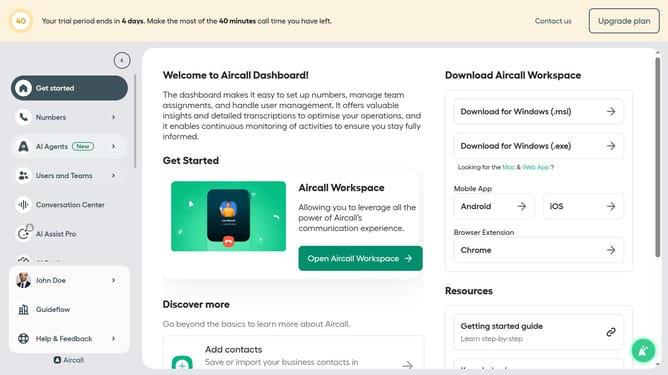
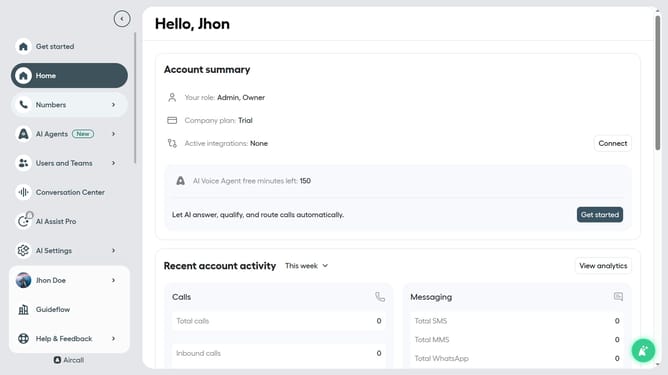
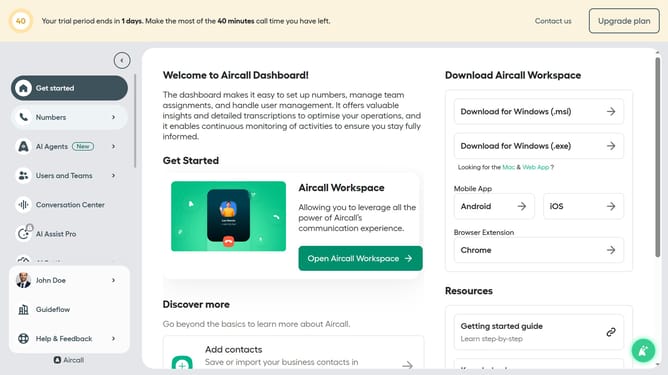
- First click on "Numbers" in the left sidebar
- Then click on the "Numbers" tab
- Next click on the name of the number you want to manage from the table
- Next, click on the "Edit" button
- Then click on the "Waiting experience" block
- Click on the dropdown menu for "Source" and select "Audio library"
- Then click on "Custom file" to upload your own audio
- Click on the area to "Drop your file or click to upload" to add your own audio
- Finally, click on the "Publish" button
Why should you upload custom waiting music in Aircall
Aircall is a seamless, cloud-based phone system that enhances business communication and collaboration.
One standout feature is the ability to upload custom waiting music, providing a personalized touch to your customer interactions.
This feature enriches customer experience by letting businesses express their brand identity audibly and creating a more pleasant waiting atmosphere.
Custom music can soothe callers, potentially reducing perceived wait times and reflecting the company's unique style and professionalism.
Last update