How to delete additional time slot in a time rule in Aircall
Here is how to delete additional time slot in a time rule in aircall
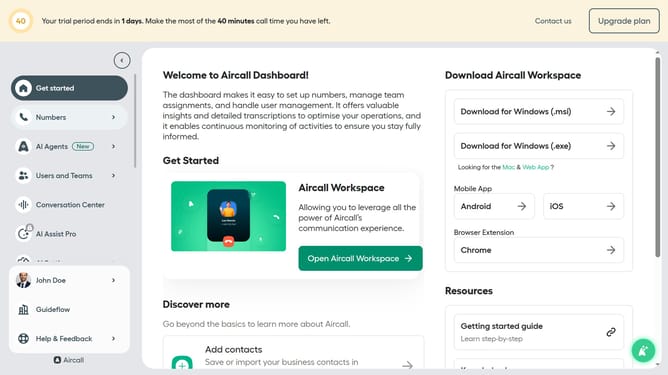
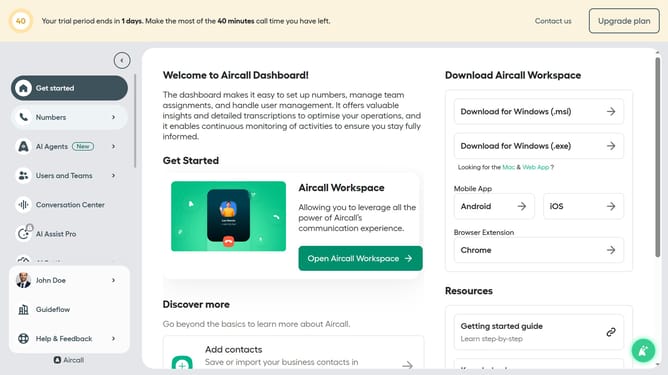
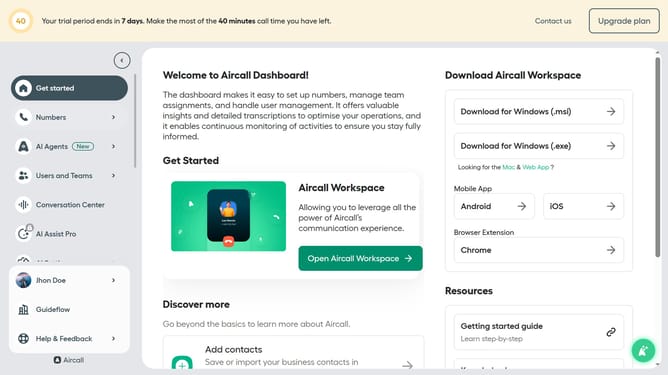
- First click on "Numbers" item in the left sidebar
- Then click on "Numbers" tab in the main content area
- Next click on the name of the number you want to manage from the table
- Then click on "Edit" button
- Then click on the time rule block
- Then click on the delete icon next to the time slot you want to delete
- Finally click on "Publish" button
Why should you delete additional time slot in a time rule in Aircall
Aircall is a cloud-based phone system designed to streamline your business communication effortlessly.
Within the array of its adaptable features, deleting an additional time slot in a time rule empowers users to refine their call management strategy. This feature allows you to efficiently customize call routing by removing unnecessary time slots, ensuring calls are directed accurately according to evolving schedules.
By optimizing time slots, businesses maintain flexibility, responsiveness, and can adapt seamlessly to any scheduling changes, enhancing overall customer satisfaction.
Last update