How to disable voicemail transcription in Aircall
Here is how to disable voicemail transcription in aircall
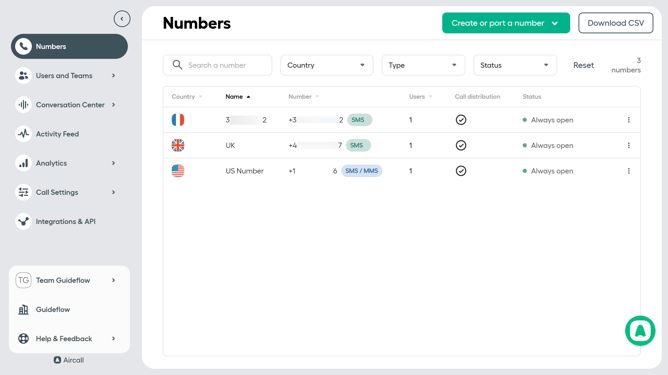
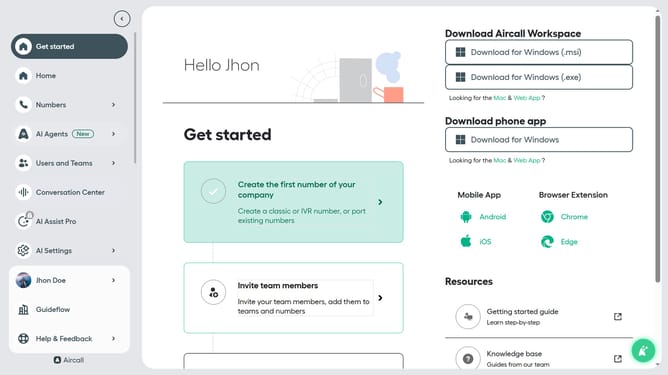
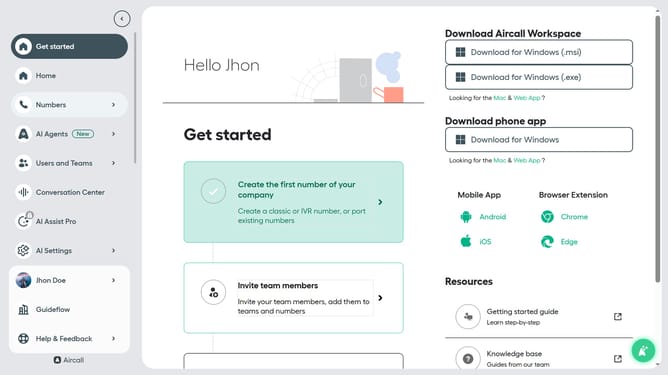
- First click on "Numbers" in the left sidebar
- Then click on the "Numbers" tab in the main content area
- Next click on the name of the number you want to manage
- Then click on the "Settings" tab
- Finally click on the toggle OFF next to "Transcribe incoming voicemails"
Why should you disable voicemail transcription in Aircall
Aircall is a cloud-based phone system designed to elevate your business communication effortlessly.
Disabling voicemail transcription in Aircall can streamline your workflow by reducing unnecessary notifications and focusing on essential calls. This feature allows you to manage voicemails more efficiently, freeing up time for other critical tasks.
Regardless of when or why you choose to disable it, you'll enjoy a more tailored experience that supports your team's unique needs and enhances overall productivity.
Last update