How to add prompt message in standard IVR in a call flow in Aircall
Here is how to add prompt message in standard ivr in a call flow in aircall
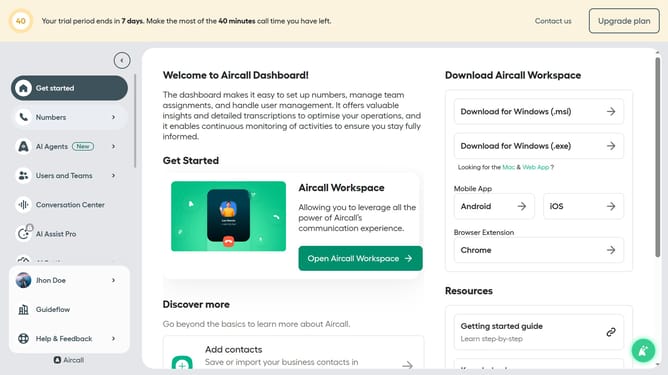
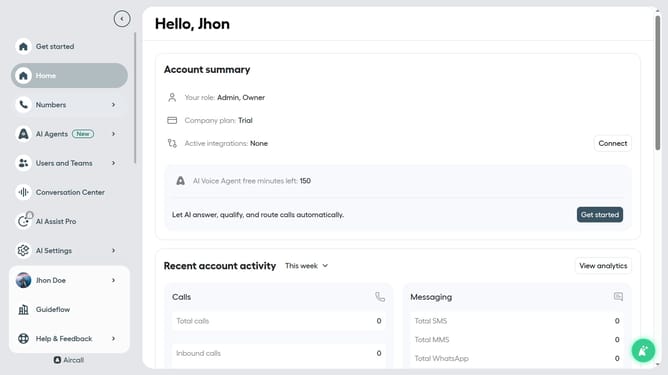
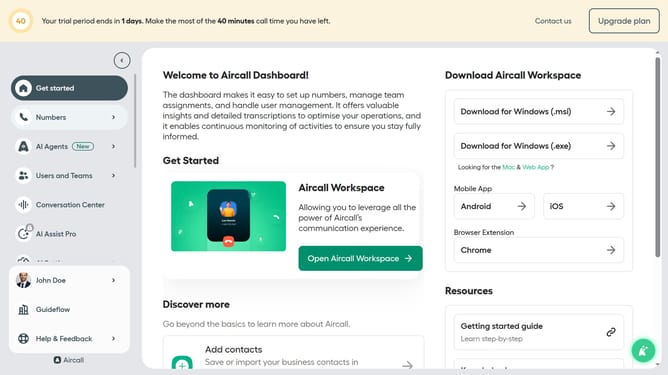
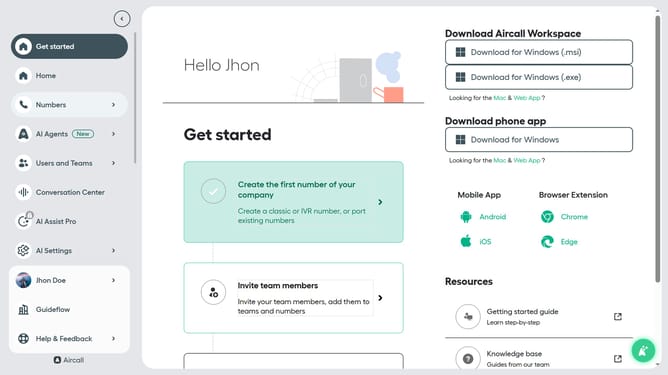
- First click on "Numbers" item in the sidebar
- Then click on the "Numbers" tab
- Next click on the name of the number you want to manage from the table
- Then click on the "Edit" button
- Then click on the IVR element
- Then type your IVR message into the "Message" field
- Finally click on the "Publish" button
Why should you add prompt message in standard IVR in a call flow in Aircall
Aircall is a leading cloud-based phone system designed to enhance business communication efficiency.
By adding a prompt message in a standard IVR call flow, Aircall allows businesses to efficiently guide their customers to the appropriate department or resource, enhancing overall customer experience. This feature is essential for streamlining call handling by reducing wait times and ensuring that customers reach the right person quickly.
This optimized communication not only boosts customer satisfaction but also increases operational efficiency, making Aircall an invaluable asset for businesses.
Last update