How to set a key number in standard IVR in a call flow in Aircall
Here is how to set a key number in standard ivr in a call flow in aircall
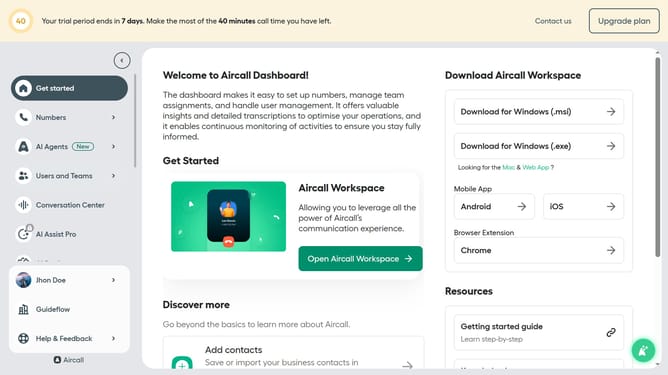
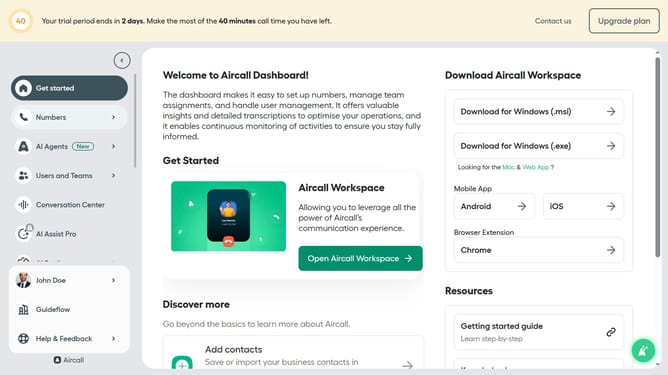
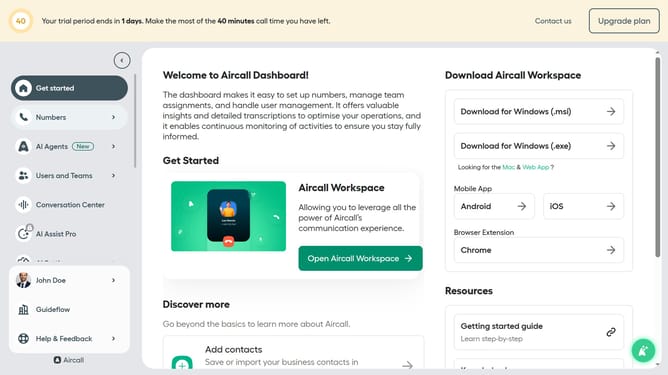
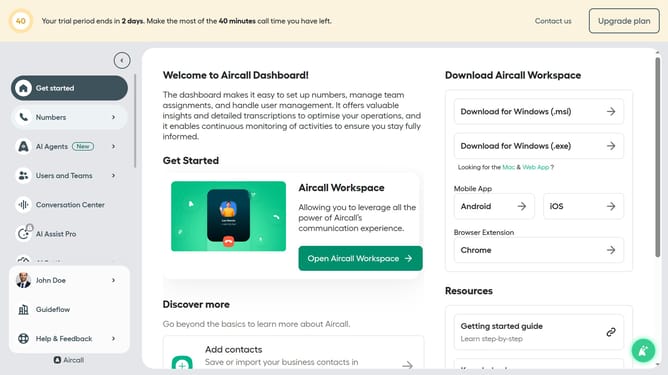
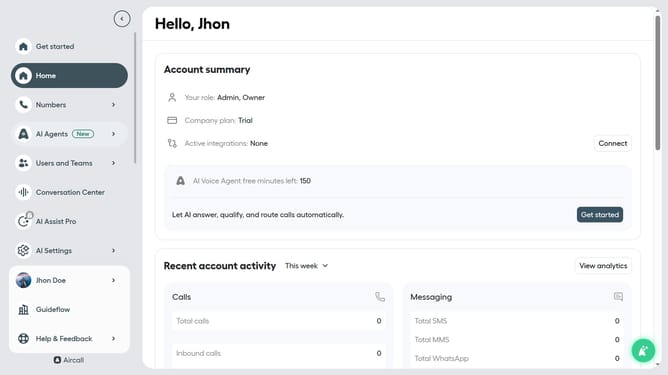
- First, click on "Numbers" in the left sidebar
- Then, click on "Numbers" tab in the main content area
- Next click on the name of the number you want to manage from the table
- Then, click on the "Edit" button
- After that, click on the IVR in the editor
- Click on your preferred number button
- Finally, click on the "Publish" button
Why should you set a key number in standard IVR in a call flow in Aircall
Aircall is a cloud-based phone system designed to streamline your communication effortlessly.
Setting a key number in a standard IVR within Aircall's call flow is intuitive and efficient. This feature allows callers to reach the right department or individual by pressing a designated key. By predefining these paths, businesses can enhance their caller experience by minimizing wait times and avoiding misrouted calls.
The IVR key setting helps reduce operational disruptions and empowers agents to focus on more complex inquiries. Ultimately, this leads to increased customer satisfaction and enhanced productivity.
Last update