How to set company description in messaging AI in Aircall
Here is how to set company description in messaging ai in aircall
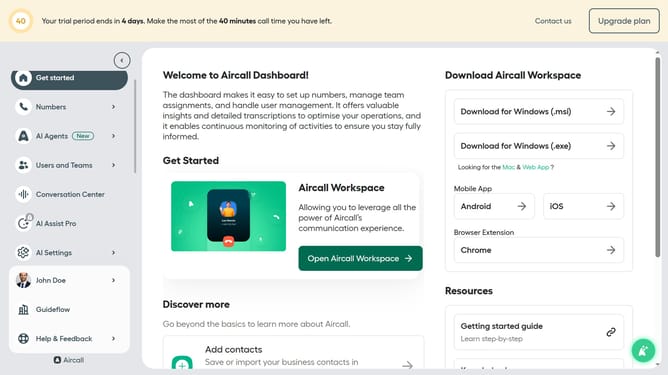
- First click on "AI Agents" in the left sidebar
- Then click on the "AI Voice Agents" option that appears
- Next click on the messaging entry you want to manage
- Then, select "Company information" from the left-side menu
- After that, click on the "Company description" text area
- Finally, click on the "Save" button
Why should you set company description in messaging AI in Aircall
Aircall is an innovative cloud-based phone system designed to integrate seamlessly with your business tools.
Setting the company description in Aircall's messaging AI is a valuable feature that ensures your brand voice is consistently communicated. It allows your team to deliver personalized, on-brand responses to clients efficiently.
This feature streamlines communication, enhances customer experience, and helps build brand identity. With a clear company description, information is consistent, improving both customer trust and satisfaction.
Last update