How to import contacts in Aircall
Here is how to import contacts in aircall
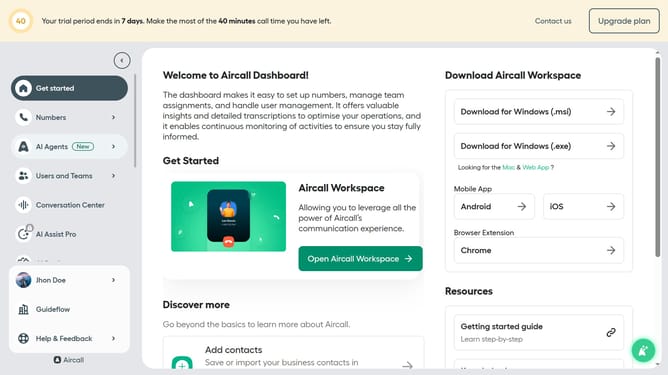
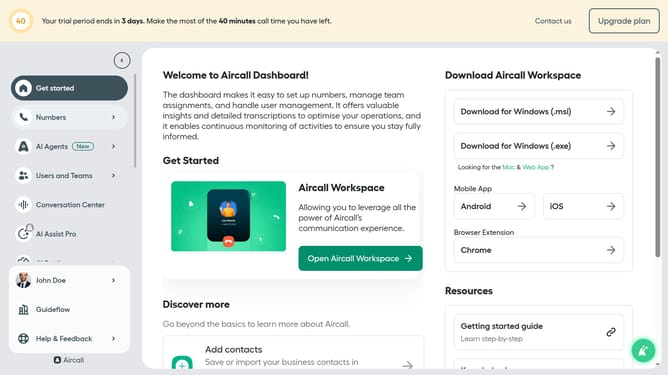
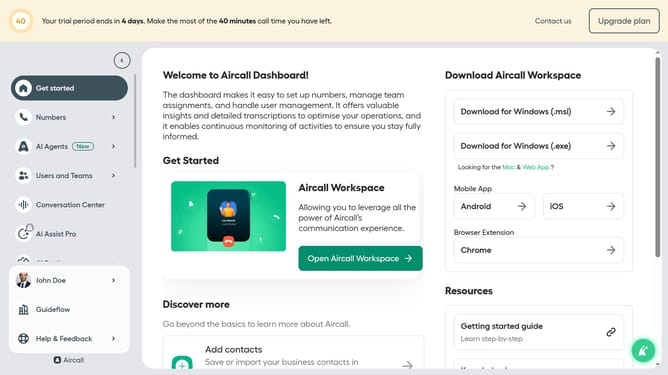
- First, click on the "Open Aircall Workspace" button in the main dashboard
- Then, navigate to the left sidebar and click on the "Contacts" item
- Next, click on the "+ Add" button in the header of the contacts section
- After that, select the "Import contacts" option from the dropdown menu
- Then, click on the "Choose a file" button
- Finally, click on the "Import contacts" button at the bottom of the modal
Why should you import contacts in Aircall
Aircall is a powerful cloud-based phone system designed for modern communication needs.
Importing contacts into Aircall streamlines operations by directly integrating customer information into your call management system.
Effortlessly managing and accessing contact data enhances productivity, ensuring your team reaches out to the right clients at the right time.
This feature significantly optimizes workflow efficiency, enabling seamless communication and fostering improved client relationships.
Last update