How to set number timezone in Aircall
Here is how to set number timezone in aircall
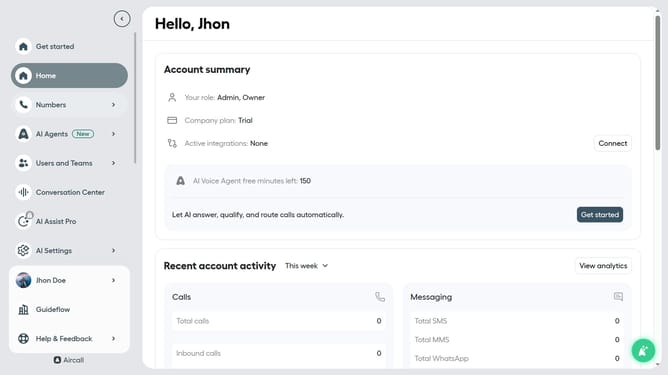
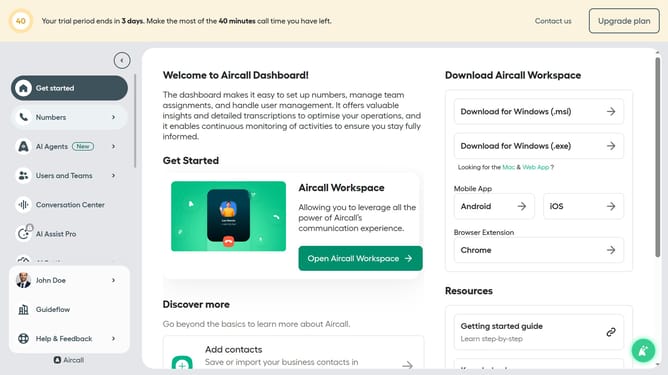
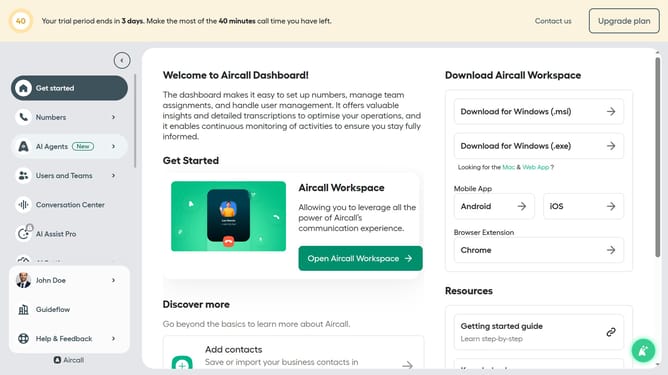
- First click on "Numbers" item in the left sidebar
- Then click on "Numbers" from the left sidebar menu
- Next click on the name of the number you want to manage
- Then click on the "Settings" tab
- Click on the timezone selector
- Then select from the timezone list
- Finally, click on the "Save changes" button
Why should you set number timezone in Aircall
Aircall simplifies global communication with its cloud-based phone system designed for modern businesses.
The ability to set a number's timezone in Aircall is a key feature for improving customer interactions. By aligning your business hours with your clients’ local time zones, you enhance the customer experience and ensure timely communication.
This feature empowers teams to schedule calls efficiently and manage workflows across different time zones, reducing missed opportunities and improving productivity.
Adopting this feature leads to smoother interactions and a more personalized touch in customer service.
Last update