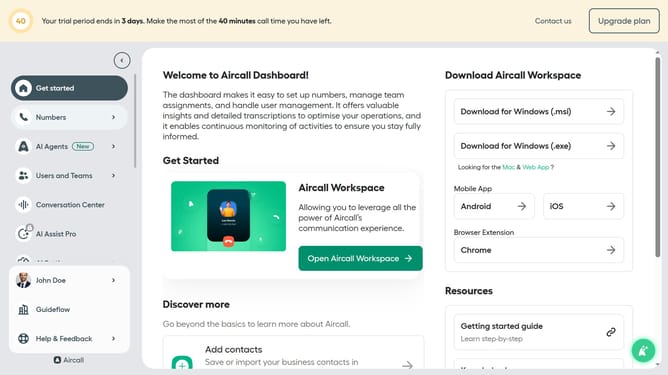
How to add a date rule in call flow in Aircall
Here is how to add a date rule in call flow in aircall
- First, click on "Numbers" in the left sidebar
- Then, click on the "Numbers" tab in the main panel
- Click on the name of the number you want to manage in the row table
- Click on the "Build your call flow" button
- Click on the plus icon to add a new step
- Then click on the "Date rule" option
- Click on the drop-down field to select a date
- Select a special date from the list
- Finally click on the close button to complete the set up
Why should you add a date rule in call flow in Aircall
Aircall is a versatile cloud-based phone system designed to streamline communication for businesses of all sizes.
One of its standout features is the ability to effortlessly add a date rule in call flow, enhancing call management precision.
By incorporating date rules, businesses can effectively organize call responses based on specific dates, aligning their operations with special occasions and holidays.
This ensures seamless communication even during off-hours, allowing teams to maintain productivity and customer satisfaction all year round.
Last update