How to rename numbers in Aircall
Here is how to rename numbers in aircall
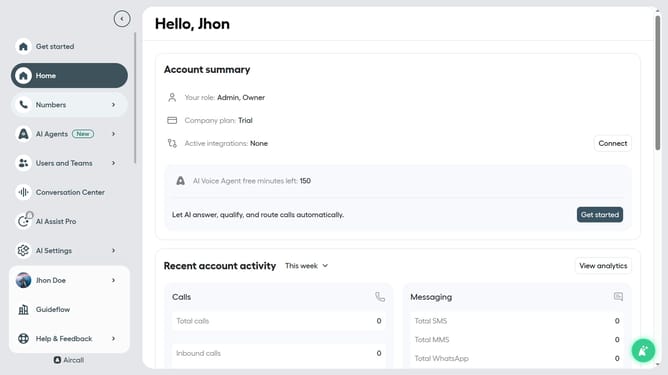
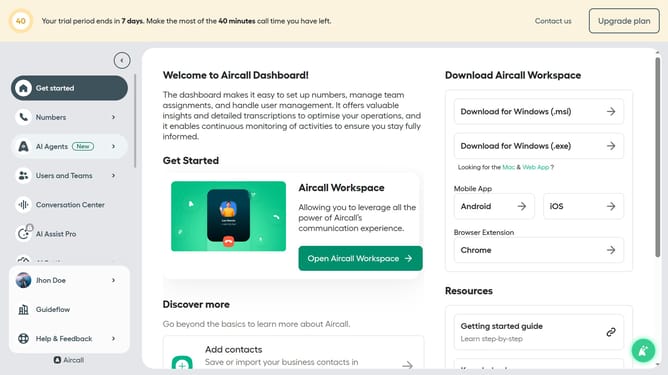
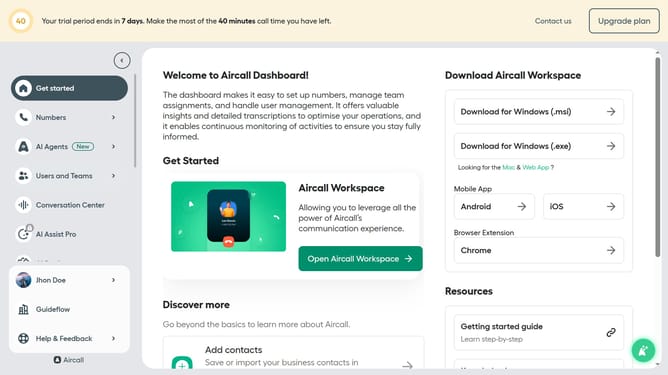
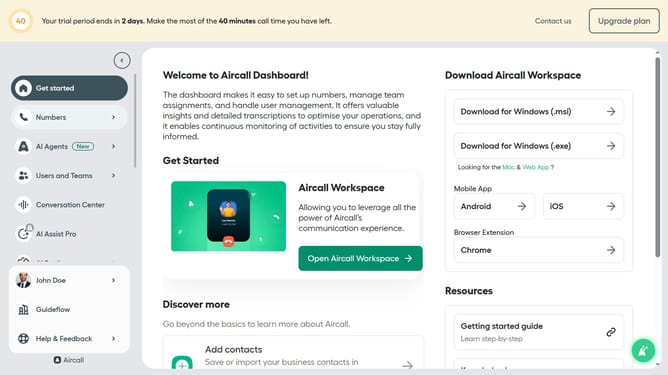
- First click on "Numbers" item in the left sidebar
- Then click on "Numbers" tab in the main content area
- Next click on the name of the number you want to manage
- Then click on "Settings" tab
- Then click on the number name and edit it
- Finally click on "Save changes" button
Why should you rename numbers in Aircall
Aircall is an intuitive cloud-based phone system designed to enhance customer communications with simplicity and effectiveness.
One notable feature of Aircall is the ability to rename numbers seamlessly. This function allows businesses to personalize and organize their contact lists efficiently.
Renaming numbers provides clarity, making it easier to identify callers and manage multiple lines. This improves workflow and ensures that teams can respond quickly and appropriately to every customer interaction.
Ultimately, by customizing how numbers appear, businesses gain greater control and coordination, enhancing overall communication processes.
Last update