How to disable estimated waiting time announcements in Aircall
Here is how to disable estimated waiting time announcements in aircall
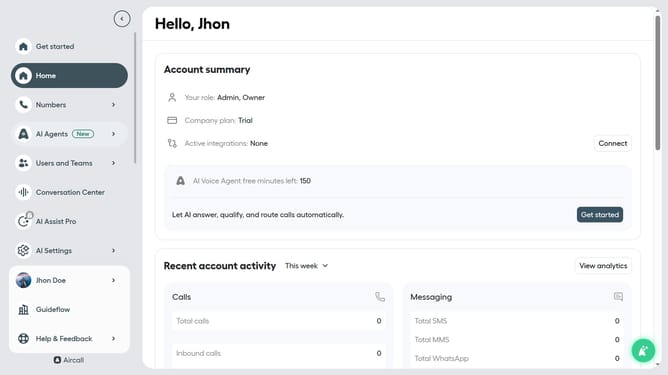
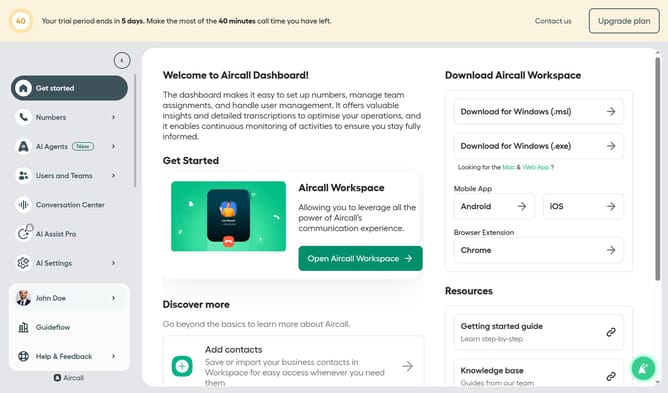
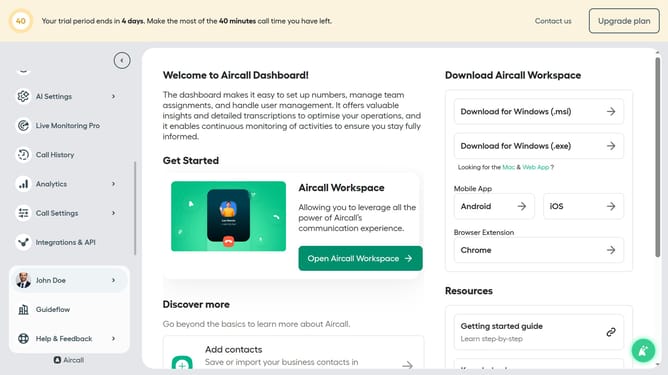
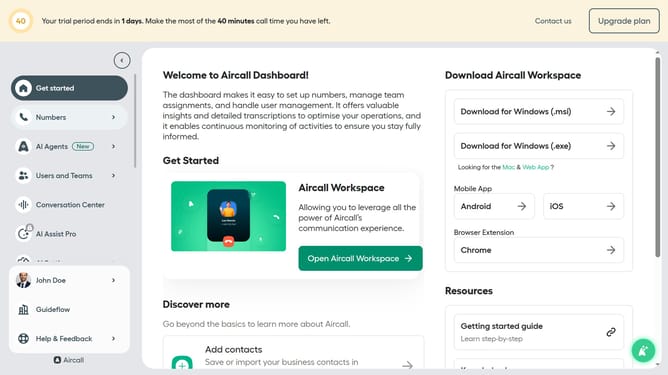
- First click on the "Numbers" item in the left sidebar
- Then click on the "Numbers" tab in the header
- Next click on the "Edit" button associated with the "Customer Service" number
- Then click on the "Edit" button
- In the Smartflow Editor, click on the "Waiting experience" node
- Then toggle OFF the "Let callers know their estimated waiting time"
- Finally click on the "Publish" button in the confirmation dialog
Why should you disable estimated waiting time announcements in Aircall
Aircall is a cloud-based phone system designed to streamline communication for businesses.
Disabling estimated waiting time announcements in Aircall can enhance the caller experience by eliminating repetitive time updates.
This feature allows businesses to offer a more personalized interaction, avoiding any potential stress or impatience that might be triggered by countdowns.
Leveraging this option can lead to more satisfied customers, as it contributes to a smoother and more human-centered communication environment.
Last update