How to change routing voicemail text to speech language in Aircall
Here is how to change routing voicemail text to speech language in aircall
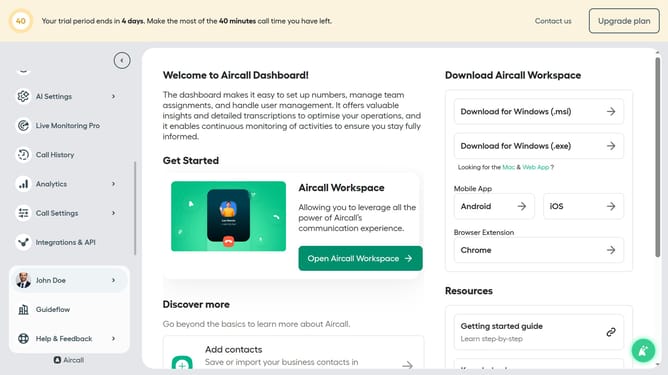
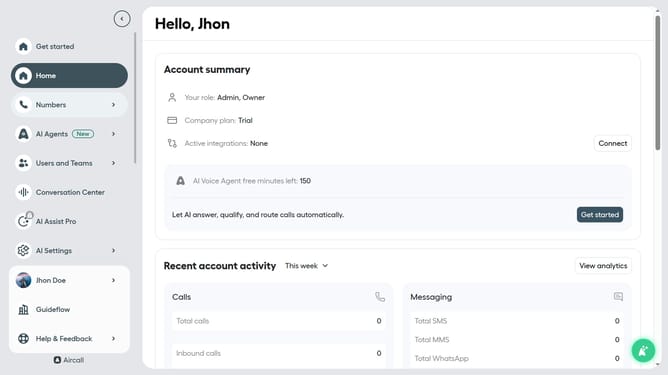
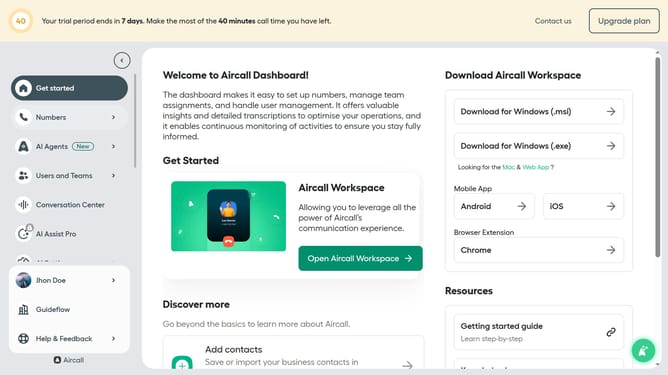
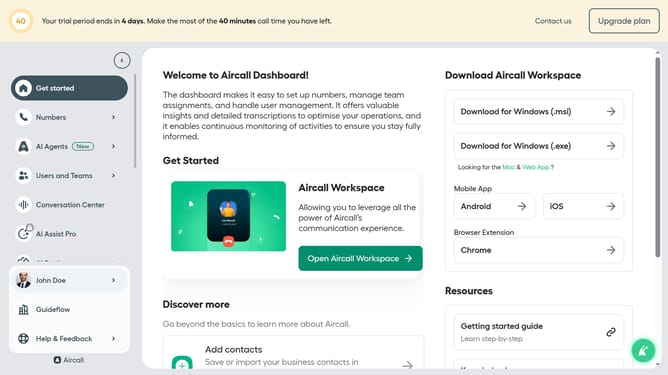
- First click on the "Numbers" item in the sidebar menu
- Then click on the "Numbers" tab in the main section
- Next click on the name of the number you want to manage from the table
- Then click on the "Edit" button
- Next click on the "Voicemail" card in the workflow editor
- Then click on the "Language" dropdown menu
- Then select from the language options
- Finally click on the "Publish" button
Why should you change routing voicemail text to speech language in Aircall
Aircall is a cloud-based phone system designed to elevate business communication efficiency and customer interaction.
The ability to change routing voicemail text to speech language in Aircall significantly enhances user experience.
This feature ensures that voicemails are accessible and understood globally, tailoring messages to suit diverse linguistic needs.
By offering multilingual capabilities, businesses can provide personalized communication, improving customer satisfaction and expanding their global reach.
Last update