How to change time rule's timezone in a call flow in Aircall
Here is how to change time rule's timezone in a call flow in aircall
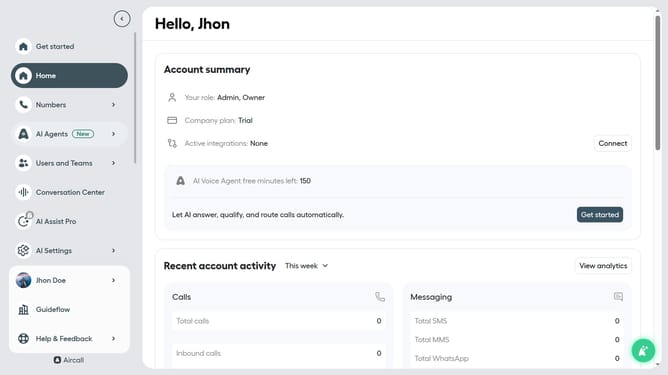
- First click on "Numbers" item in the sidebar menu
- Then click on the "Numbers" tab
- Next click on the name of the number you want to manage from the table
- Then click on the "Edit" button
- Then click on the time rule element
- Then click on the "Time zone" dropdown
- Then select from the list
- Finally click on the "Publish" button
Why should you change time rule's timezone in a call flow in Aircall
Aircall is a seamless cloud-based phone system designed to enhance business communication effortlessly.
One of its valuable features is the ability to change the time rule's timezone in a call flow, which is essential for accommodating global operations and diverse client bases.
Adjusting this setting ensures your business hours align with specific regions, improving customer satisfaction and operational efficiency. It provides flexibility and precision in managing international calls without missing any vital connections.
Embrace this feature to maintain professionalism and connectivity across different time zones.
Last update