How to create a ring to for a user element in Aircall
Here is how to create a ring to for a user element in aircall
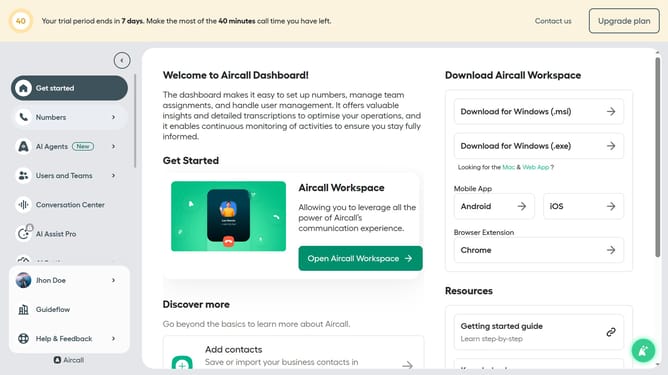
- First, click on "Numbers" in the left sidebar
- Then, click on the "Numbers" tab
- Next click on the name of the number you want to manage from the table
- After that, click on "Edit" button
- Then, click on the "+" icon
- Next, select "Ring to" option
- Then, select "Ring to" dropdown
- Next, select a user from the list
- Finally, click on the "Publish" button
Why should you create a ring to for a user element in Aircall
Aircall is a streamlined cloud-based phone system designed to enhance team communication and customer interactions.
To optimize workflow and improve response times, Aircall allows users to create ring-to configurations for seamless call routing.
This feature ensures calls reach the right team members promptly, minimizing missed opportunities and elevating customer satisfaction.
Incorporating ring-to user elements makes managing calls intuitive, fostering a more efficient and connected work environment.
Last update