How to disable collecting upfront in messaging AI in Aircall
Here is how to disable collecting upfront in messaging ai in aircall
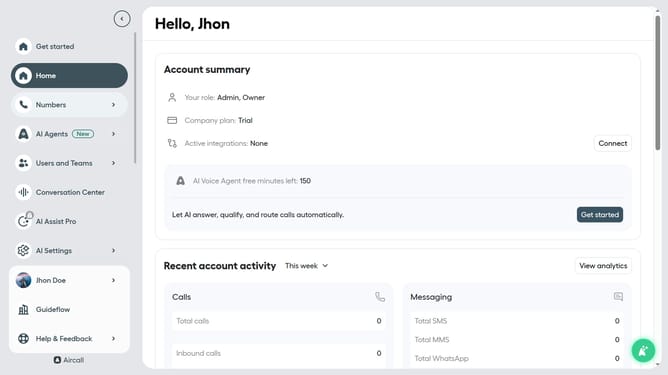
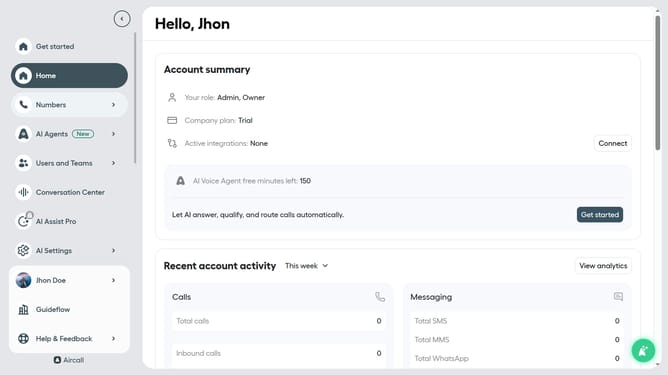
- First click on "AI Agents" item in the left sidebar
- Then click on the "AI Messaging Agents" item
- Next click on the messaging entry you want to manage
- Then click on the "Intake flow" item in the left sub-navigation bar
- Then click on the "Enable collecting" toggle OFF
- Finally click on the "Save" button
Why should you disable collecting upfront in messaging AI in Aircall
Aircall is a cloud-based phone system designed for modern businesses to streamline communications.
Disabling the collection of upfront information in messaging AI within Aircall allows for more organic and genuine customer interactions. This feature can be particularly useful for businesses aiming to offer a more human touch in their communication strategy, avoiding any initial automated questioning.
Opting out of upfront data collection fosters a more personal customer experience, enhancing trust and satisfaction by focusing on genuine dialogue.
Last update