How to create an input IVR in a callflow in Aircall
Here is how to create an input ivr in a callflow in aircall
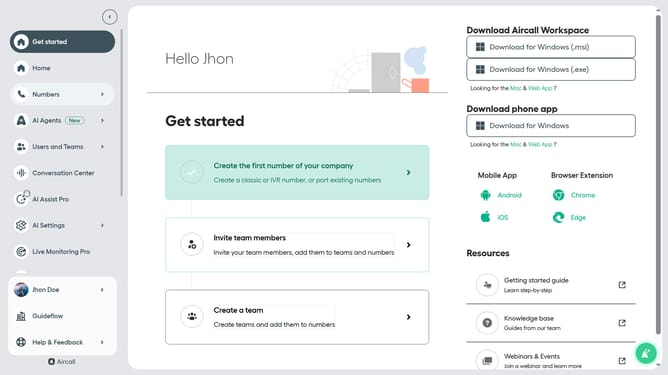
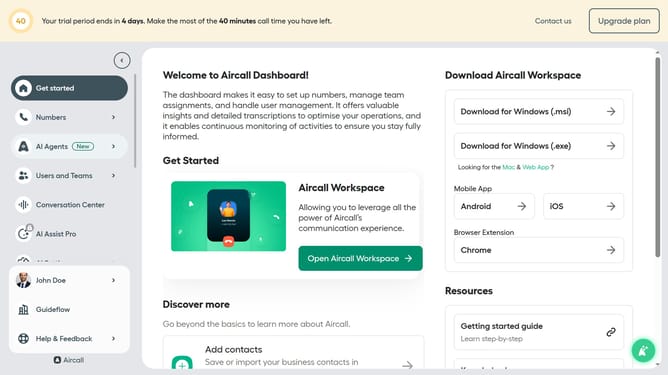
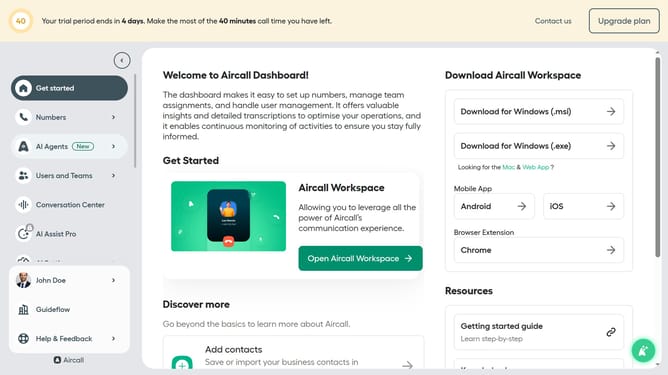
- First click on the "Numbers" item in the left sidebar
- Then click on the "Numbers" tab
- Next click on the name of the number you want to manage from the table
- Click on the "Edit" button
- Click on the "+" icon to add a step
- Then click on the "Input IVR" option when the dropdown appears
- Then click on the prompt message input area
- Finally click on the "Publish" button
Why should you create an input IVR in a callflow in Aircall
Aircall is a modern cloud-based phone system designed to simplify business communications.
The input IVR feature in an Aircall callflow enables businesses to efficiently manage incoming calls by directing callers to the right department through keypad inputs.
By setting up an input IVR, you enhance customer experience by minimizing wait times and ensuring they reach the right person quickly.
This feature streamlines call management, saving time for both staff and customers, and ultimately improving business efficiency.
Last update