How to change the callback voice in Aircall
Here is how to change the callback voice in aircall
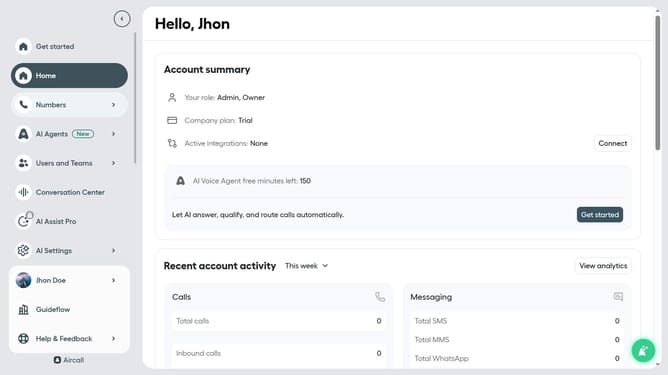
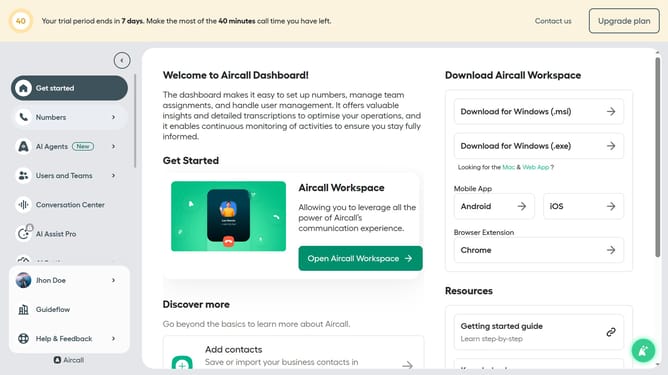
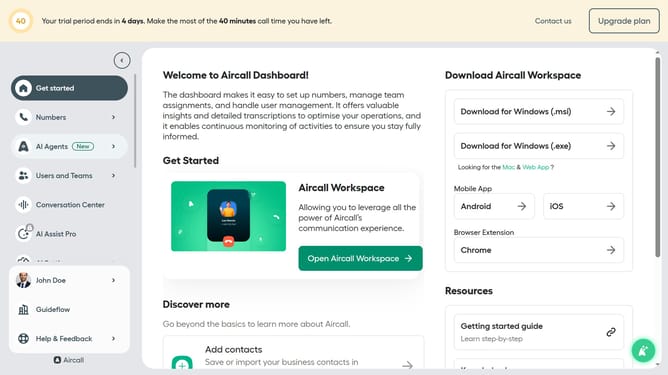
- First click on "Numbers" in the left sidebar
- Then click on the "Numbers" tab in the main content area
- Next click on the name of the number you want to manage
- Then click on the "Settings" tab
- Then click on the "Voice" dropdown menu
- Then select from the voice options
- Finally click on the "Save changes" button
Why should you change the callback voice in Aircall
Aircall is a dynamic cloud-based phone system designed to streamline business communication.
Changing the callback voice in Aircall offers significant flexibility and personalization, enhancing customer interaction. This feature allows businesses to tailor voice messages to align with their brand image, ensuring a professional and cohesive auditory experience.
Utilizing this feature can significantly improve customer satisfaction and engagement by providing clear, friendly communications that meet specific brand and customer preferences.
Last update