How route a call into voicemail in Aircall
Here is how route a call into voicemail in aircall
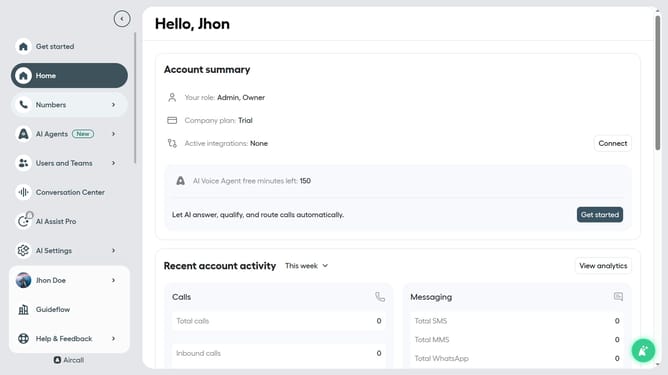
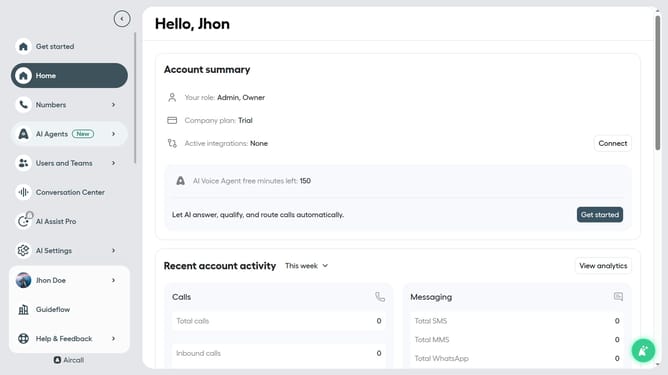
- First, click on the "Numbers" item in the left sidebar
- Then, click on the "Numbers" tab
- Next, click on the "Customer Service" row in the table
- Then, click on the "Edit" button
- After that, click on the "+" icon to add a new step in the workflow
- Then, click on the "Voicemail" option to configure this step
- Finally, click on the "Publish" button to save the changes
Why should you How route a call into voicemail in Aircall
Aircall is a modern cloud-based phone system tailored for business communications.
Routing calls into voicemail in Aircall ensures critical messages are never lost, even when you're unavailable. This feature allows users to control the flow of incoming calls, directing them to voicemail when needed, so no important information slips through the cracks.
Utilizing the voicemail routing feature enhances team efficiency by freeing up live call handling and offering callers a seamless experience, contributing to improved customer satisfaction.
Moreover, accessing voicemails later allows for thoughtful and thorough responses, ensuring better, more informed communication.
Last update