How to set conversation guidelines in messaging AI in Aircall
Here is how to set conversation guidelines in messaging ai in aircall
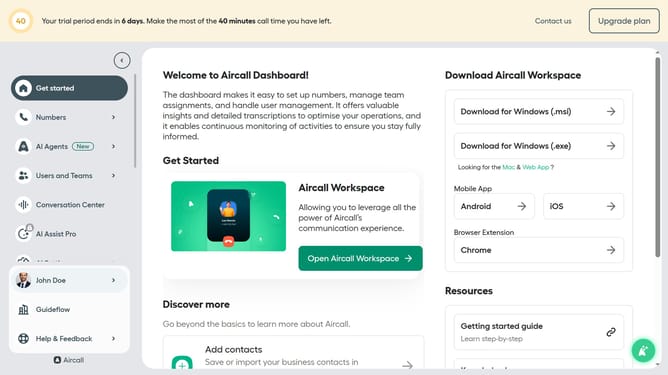
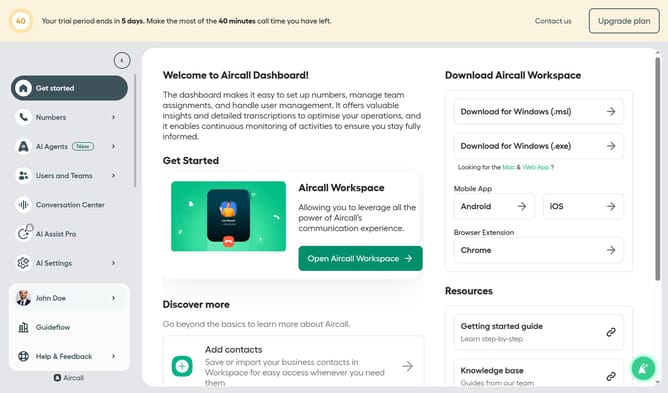
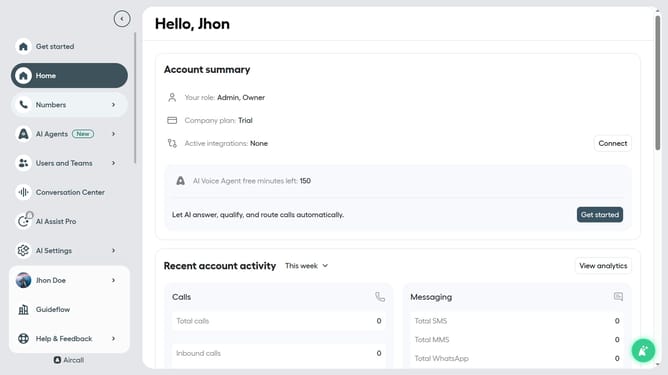
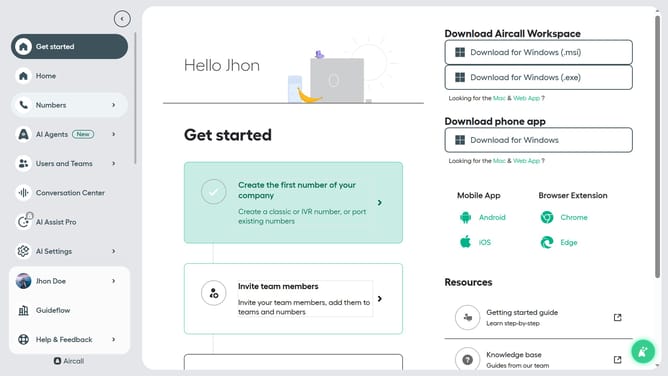
- First click on "AI Agents" item in the sidebar
- Then click on "AI Messaging Agents" option
- Next click on the messaging entry you want to manage
- Then click on the "Messaging script" option in the sidebar
- Next click on the "Conversation guidelines" text input and edit it
- Finally click on the "Save" button
Why should you set conversation guidelines in messaging AI in Aircall
Aircall revolutionizes business communication with seamless voice and messaging solutions.
Setting conversation guidelines in messaging AI within Aircall is intuitive and highly beneficial. By implementing these guidelines, businesses can ensure consistent and professional communication across teams.
It enhances customer interactions, promoting clarity and efficiency in responses. This feature empowers teams to maintain high standards and increase customer satisfaction effortlessly.
Last update