How to adjust frequency of wait time announcements in Aircall
Here is how to adjust frequency of wait time announcements in aircall
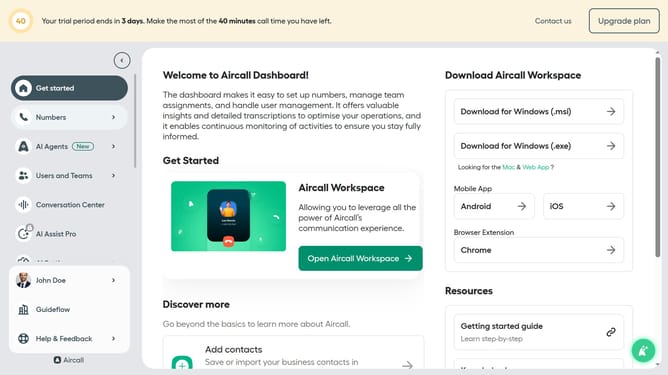
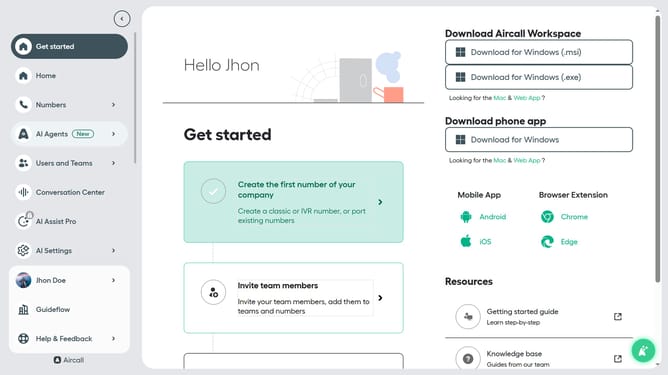
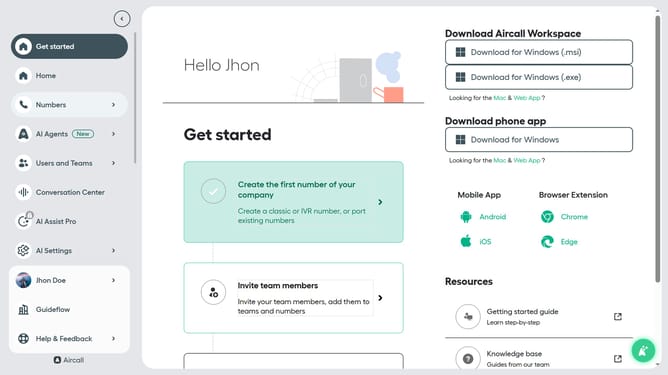
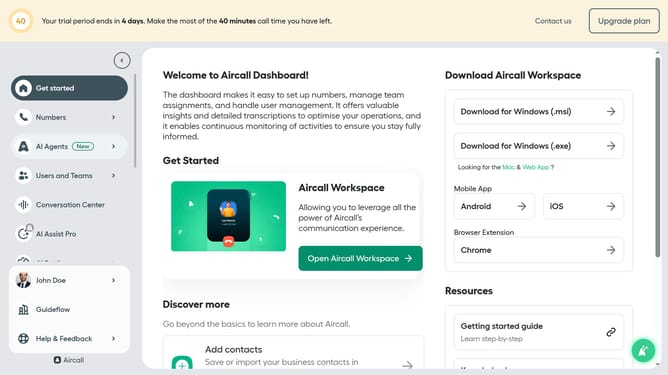
- First click on "Numbers" item in the left sidebar
- Then click on "Numbers" tab
- Then click on the "Customer Service" button
- Then click on the "Edit" button
- Then click on the "Waiting experience" card
- Then click on the dropdown with "Every 30 seconds" selected
- Then select from the dropdown menu
- Finally click on the "Publish" button
Why should you adjust frequency of wait time announcements in Aircall
Aircall is a cloud-based phone system designed to streamline and elevate customer communication.
Within Aircall's dynamic suite of features, adjusting the frequency of wait time announcements is both intuitive and beneficial. By customizing these announcements, businesses can enhance the caller experience by keeping customers informed without overwhelming them, creating a balanced and engaging interaction.
Reducing caller frustration and uncertainty with tailored wait time notifications can vastly improve customer satisfaction and retention. This efficiency not only boosts the operational flow but also strengthens brand loyalty.
Last update