How to disable retry messages in Aircall
Here is how to disable retry messages in aircall
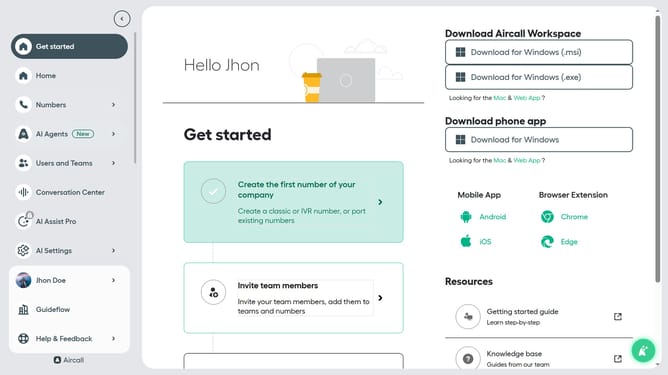
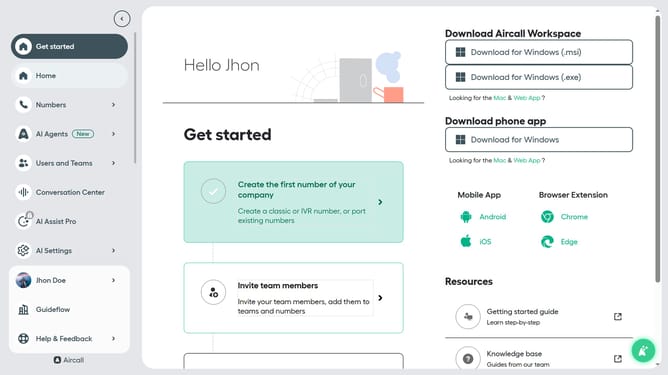
- First click on the "Numbers" item in the left sidebar
- Then click on the "Numbers" tab
- Next click on the name of the number you want to manage from the table
- Click on the "Edit" button
- Then click on the IVR element in the flow
- Next, click on the "Retry management" section
- Then click on the toggle button to disable "Retry message"
- Finally click on the "Publish" button
Why should you disable retry messages in Aircall
Aircall is a leading cloud-based phone solution designed to streamline communication for businesses of all sizes.
One of the useful features in Aircall is the ability to disable retry messages. This feature can significantly enhance the user experience by reducing unnecessary notifications and interruptions.
By opting to disable these retry messages, users can maintain focus and productivity, preventing workflow disruption caused by repetitive alerts.
Ultimately, embracing this feature contributes to a seamless and efficient communication environment for your team.
Last update