How to enable mandatory call tagging in Aircall
Here is how to enable mandatory call tagging in aircall
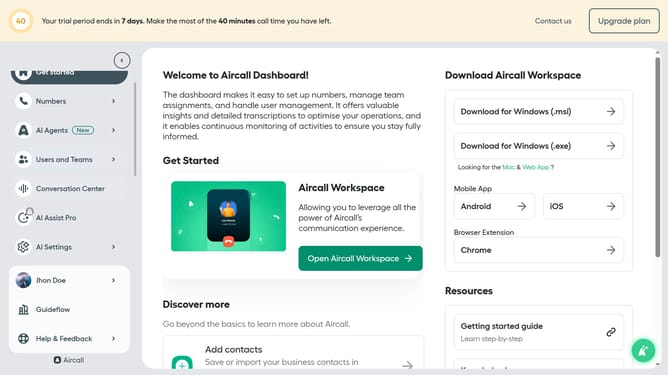
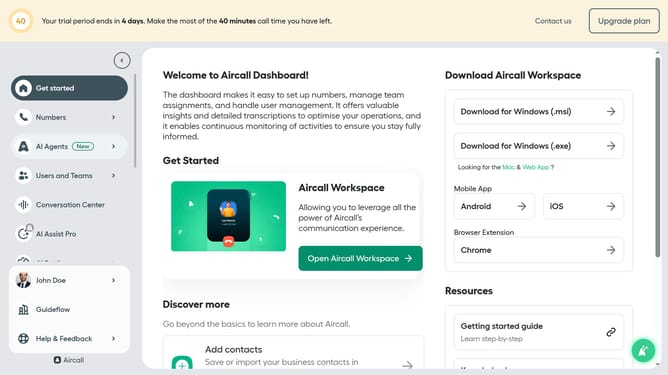
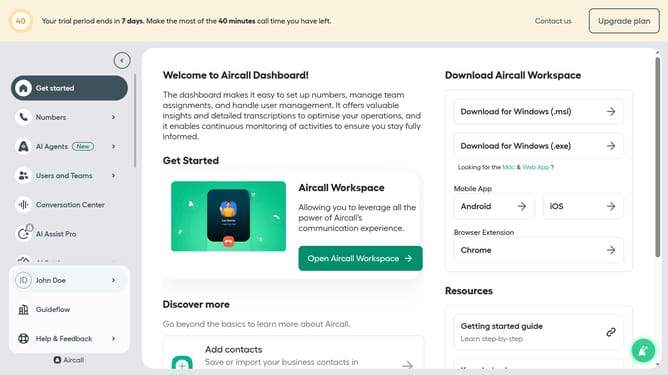
- First click on the "Numbers" option in the left sidebar
- Then click on the "Numbers" tab above the search bar
- Next click on the name of the number you want to manage
- After that, click on the "Settings" tab
- Finally, click the toggle switch ON for "Mandatory call tagging"
Why should you enable mandatory call tagging in Aircall
Aircall is a seamless phone system designed to supercharge your team's communication efforts.
Enabling mandatory call tagging in Aircall ensures every call is duly noted with relevant details, fortifying data management.
This feature promotes organized records, making it easier for teams to track interactions and maintain a high level of customer service.
With all relevant information readily available, you can analyze trends, enhance productivity, and drive strategic decisions for your business success.
Last update