How to change the retry message type in Aircall
Here is how to change the retry message type in aircall
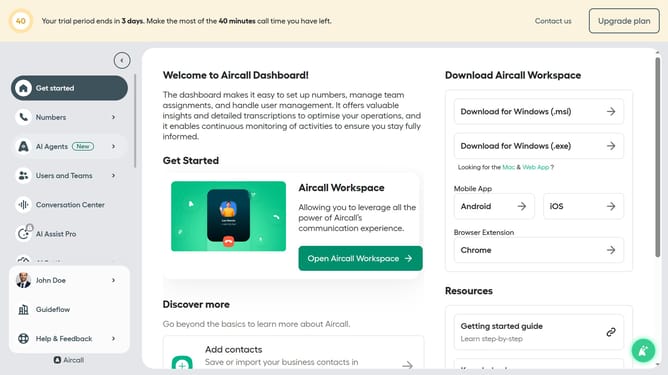
- First click on "Numbers" in the sidebar
- Then click on the "Numbers" tab
- Next click on the name of the number you want to manage from the table
- Then click on the "Edit" button
- Click on the IVR element
- Then click on the "Retry management" dropdown
- Click on the "Type of message" dropdown
- Then select from the available dropdown options
- Finally click on the "Publish" button
Why should you change the retry message type in Aircall
Aircall is a cloud-based phone system designed to simplify and enhance customer communication.
One of the advantageous features of Aircall is the option to change the retry message type. This feature empowers users to customize how missed calls are managed, ensuring no communication opportunities are lost.
By adjusting the retry message, businesses can maintain a consistent brand voice, improve customer satisfaction, and ensure information is conveyed accurately, making communication more efficient and reliable.
Last update