How to allow recordings for transferred calls in Aircall
Here is how to allow recordings for transferred calls in aircall
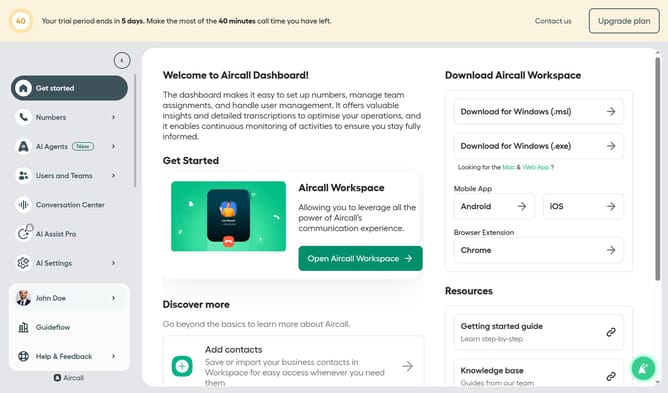
- First click on "Numbers" item in the sidebar
- Then click on "Numbers" tab in the main panel
- Next click on the name of the number you want to manage
- Then click on "Settings" tab
- Finally toggle ON the "Automatically stop recording on transfers to phone numbers" switch
Why should you allow recordings for transferred calls in Aircall
Aircall is a cloud-based phone system designed to help businesses streamline their communications effortlessly.
Enabling call recordings for transferred calls in Aircall enhances your ability to keep detailed records of customer interactions. This feature ensures continuity and comprehensive coverage of conversations, which is crucial for maintaining high customer service standards.
By allowing recordings, businesses can revisit calls for quality assurance, training, and compliance purposes, ultimately fostering improvement in communication and service delivery.
Last update