How to allow agents to start and pause incoming call recordings in Aircall
Here is how to allow agents to start and pause incoming call recordings in aircall
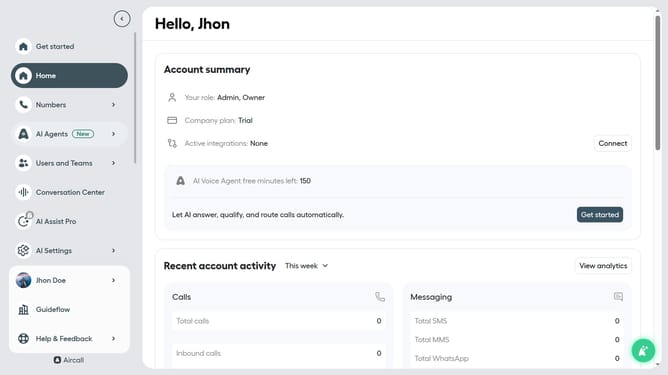
- First click on "Numbers" item in the left sidebar
- Then click on the "Numbers" header tab
- Next click on the name of the number you want to manage
- Then click on the "Settings" tab
- Finally click on the toggle ON button for "Allow agents to start and pause recording"
Why should you allow agents to start and pause incoming call recordings in Aircall
Aircall is an innovative cloud-based phone system designed to empower seamless communication.
With the ability to start and pause incoming call recordings, agents gain greater control over their interactions. This feature enhances the customization of call management in real-time.
Using this capability, businesses ensure compliance with privacy protocols while focusing on important parts of the conversation. It ultimately leads to better customer service experiences and improved satisfaction.
Last update