How to disable callbacks in Aircall
Here is how to disable callbacks in aircall
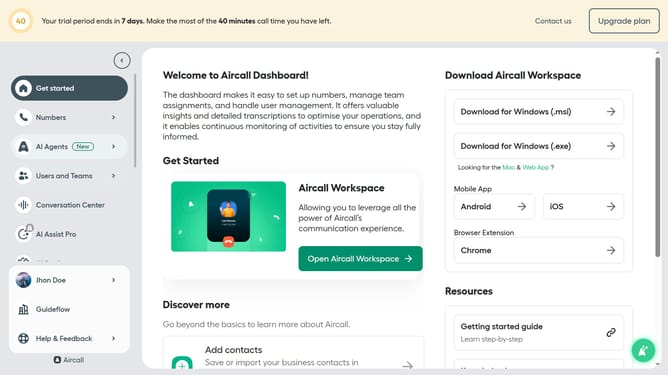
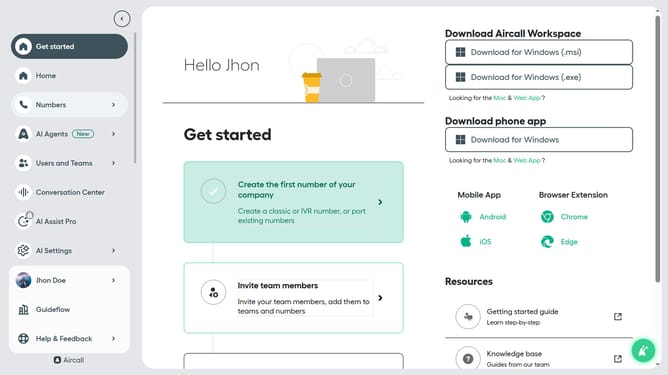
- First click on "Numbers" in the left sidebar
- Then click on "Numbers" section in the main content area
- Next click on the name of the number you want to manage
- Then click on the "Settings" tab
- Finally toggle OFF the "Allow callback requests" switch
Why should you disable callbacks in Aircall
Aircall is a cloud-based phone system that streamlines communications for businesses of all sizes.
If you need more control over your call management, knowing how to disable callbacks in Aircall can be invaluable. This feature prevents callers from requesting a callback, allowing agents to manage their workload more effectively.
Disabling callbacks can be particularly beneficial in high-traffic call environments, as it helps reduce the accumulation of pending calls and ensures that customer inquiries are handled in real-time.
Ultimately, this enhances team productivity and optimizes resource allocation, contributing to an overall more efficient phone support operation.
Last update