How to add company description in an outbound AI voice agent in Aircall
Here is how to add company description in an outbound ai voice agent in aircall
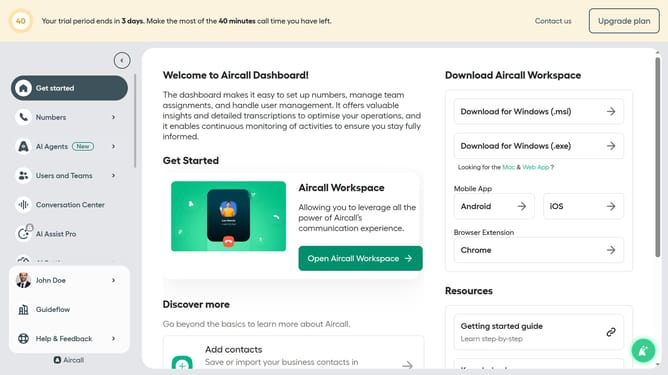
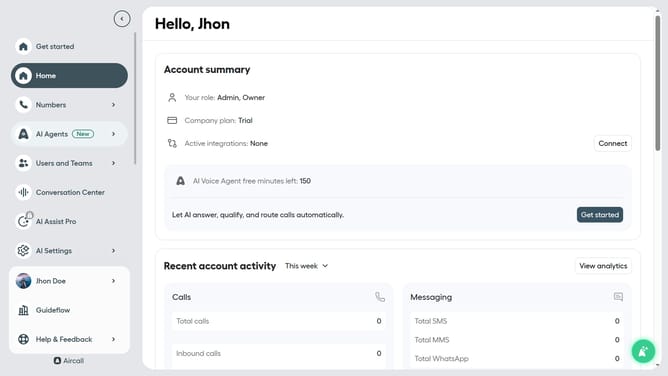
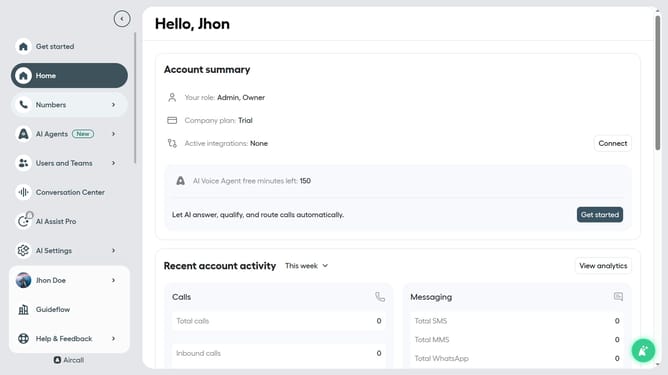
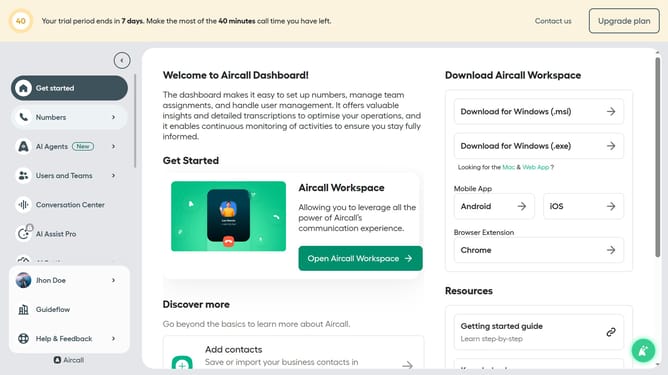
- First click on "AI Agents" item in the left sidebar
- Then click on "AI Voice Agents" option in the displayed submenu
- Next, click on the "Outbound AI voice agent" row in the table
- In the left panel, select "Company information"
- Then click on the text input area and edit company description
- Finally click on the "Save" button
Why should you add company description in an outbound AI voice agent in Aircall
Aircall is a cloud-based call center software designed to streamline your communication processes.
Integrating a company description into an outbound AI voice agent in Aircall personalizes the user experience, offering clarity and context to your clients.
This feature not only enhances customer engagement but also reinforces brand identity by ensuring every interaction starts with a succinct introduction to your company.
Seamlessly set up, it ensures your brand's voice remains consistent, enhancing trust and credibility with every call.
Last update