How to delete a date rule in call flow in Aircall
Here is how to delete a date rule in call flow in aircall
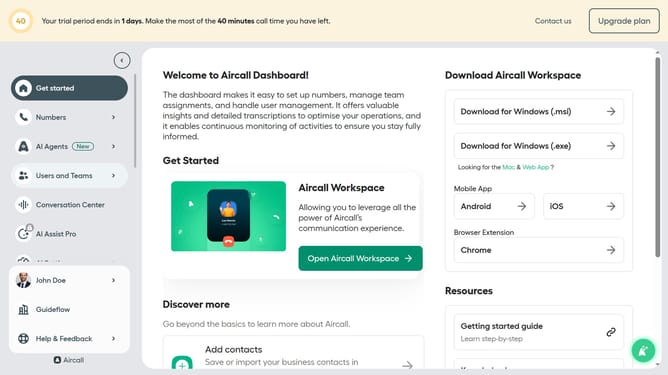
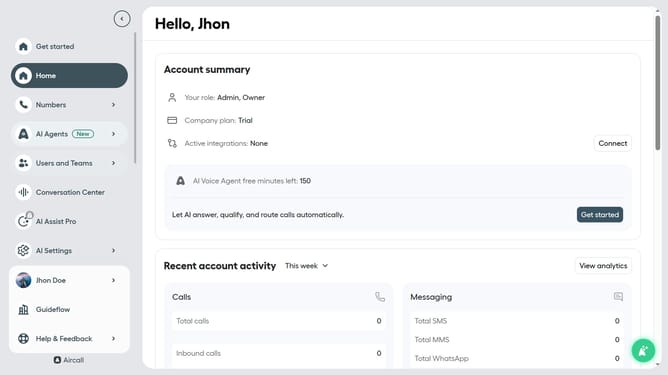
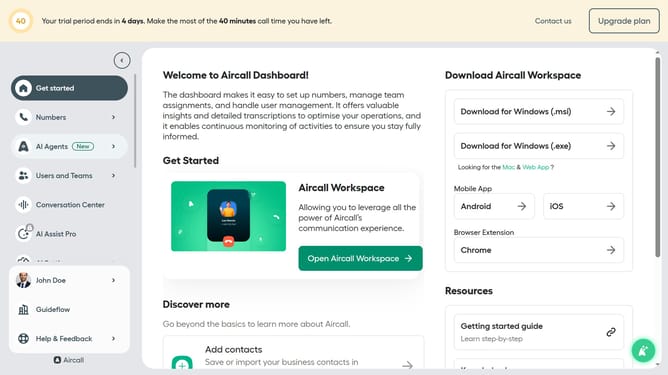
- First click on "Numbers" item in the sidebar
- Then click on the "Numbers" tab
- Then click on the item in the number list that you want to manage
- Then click on the "Edit" button
- Then click on the three dots icon next to "Date rule"
- Next click on the "Delete step" button
- Finally click on the "Publish" button
Why should you delete a date rule in call flow in Aircall
Aircall is a cloud-based phone system designed to simplify and enhance business communication.
In Aircall, managing your call flow is essential for maintaining smooth operations, and date rules play a crucial role in setting time-sensitive call handling strategies.
Removing a date rule helps streamline processes, ensuring that outdated or irrelevant schedules don’t disrupt your business. By keeping your call flow updated, you improve responsiveness and resource allocation.
This flexibility allows teams to efficiently adapt to changing conditions and priorities without hassle.
Last update