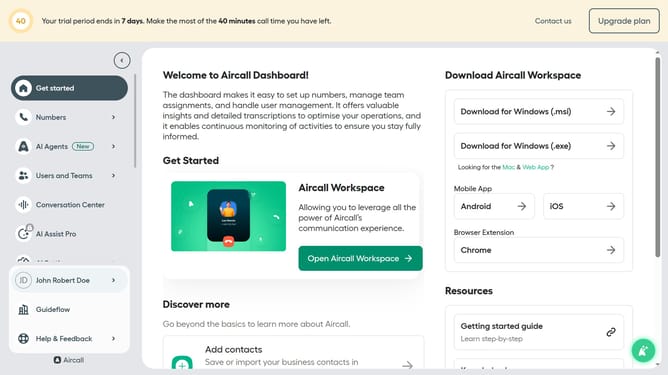
How to route a call to an external number in Aircall
Here is how to route a call to an external number in aircall
- First click on "Numbers" item in the left sidebar
- Then click on the "Numbers" tab to view the list of numbers
- Next click on the name of the number you want to manage from the table
- Then click on the "Edit" button
- Click on the "+" button to add a new step
- Then click on the "Redirect to" option
- Next select "External number" option
- Then type your phone number into the "Enter your number" input field
- Finally click on the "Publish" button to save the changes
Why should you route a call to an external number in Aircall
Aircall is a cloud-based phone system designed to enhance business communication effortlessly.
One of its standout features is the ability to route calls to external numbers efficiently. This feature ensures that important calls are never missed, no matter where your team is located.
Routing calls to an external number in Aircall allows seamless management of remote teams and ensures continuity in customer service, providing flexibility and maintaining business productivity even when employees are on the go.
This capability helps businesses stay connected, creating a more responsive and robust communication system that adapts to ever-changing operational demands.
Last update