How to change the retry message language in input IVR in Aircall
Here is how to change the retry message language in input ivr in aircall
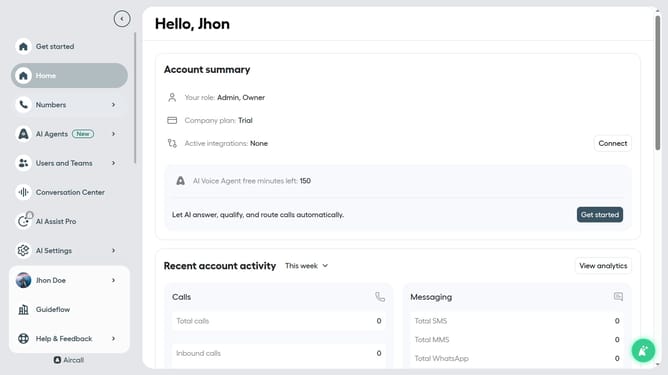
- First, in the left sidebar menu, click on "Numbers" option
- Then, click on "Numbers" within the expanded menu
- Next click on the name of the number you want to manage from the table
- After that, click on the "Edit" button
- Now, click on the "Input IVR" element in the flowchart
- Then, click on the "Language" dropdown menu
- Next, select from the language options
- Finally, click on the "Publish" button
Why should you change the retry message language in input IVR in Aircall
Aircall is a cloud-based phone system that streamlines communication for businesses around the globe.
The ability to change the retry message language in input IVR is one of its versatile features. This allows businesses to customize their communication and effectively cater to a diverse customer base.
Using this feature enhances user experience by ensuring messages are delivered in a language familiar to the caller, reducing confusion and increasing satisfaction.
Adapting to your audience's language enhances professionalism and boosts customer engagement, making your business more approachable and customer-friendly.
Last update