How to set language in an AI voice agent in Aircall
Here is how to set language in an ai voice agent in aircall
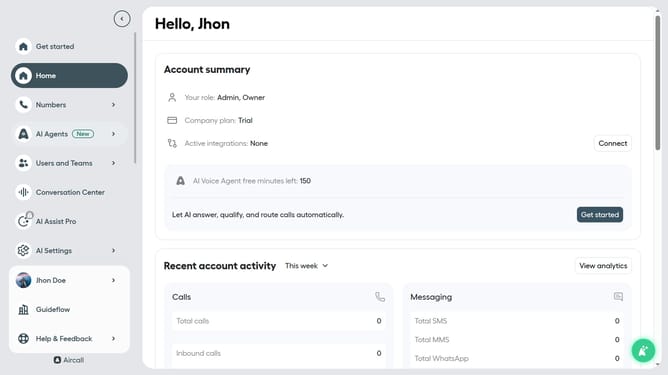
- First click on "AI Agents" item in the left sidebar
- Then click on "AI Voice Agents" option
- Next click on the voice entry you want to manage
- Then click on the "Language" dropdown arrow
- Next select from the language options
- Finally click on the "Save" button
Why should you set language in an AI voice agent in Aircall
Aircall is a leading cloud-based phone system designed to simplify customer interactions for businesses of any size.
Setting the language in an AI voice agent within Aircall enhances communication by ensuring that conversations are clear and contextually appropriate.
This feature is particularly beneficial for businesses operating in multilingual environments, allowing them to tailor their customer service experience effectively.
It empowers agents to bridge language barriers effortlessly, fostering better customer relationships and enhancing overall satisfaction.
Last update