How to disable mandatory call tagging in Aircall
Here is how to disable mandatory call tagging in aircall
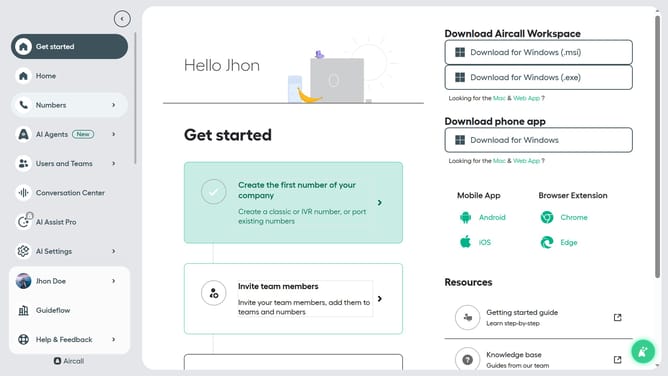
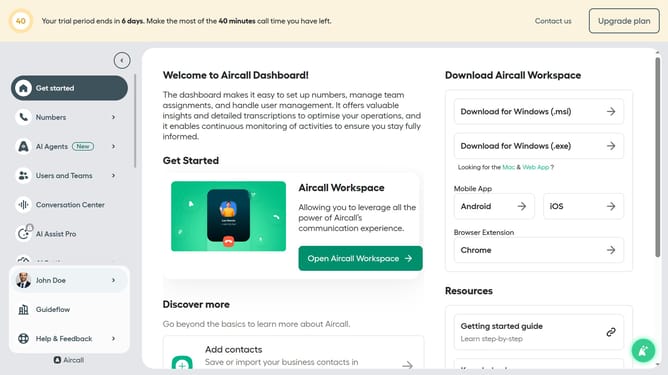
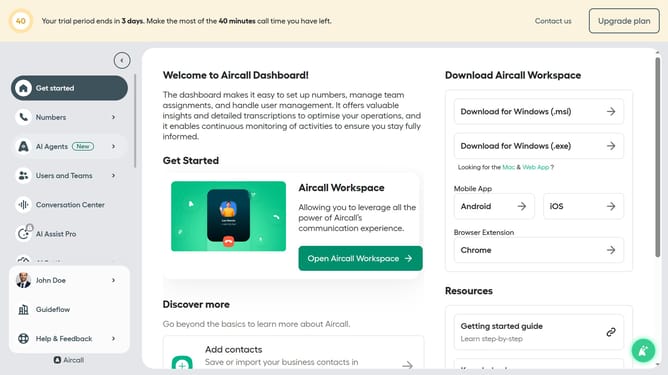
- First click on "Numbers" item in the left sidebar
- Then click on "Numbers" tab in the main content area
- Next click on the name of the number you want to manage
- Then click on the "Settings" button
- Finally toggle OFF the "Mandatory call tagging" switch to disable it
Why should you disable mandatory call tagging in Aircall
Aircall is an intuitive cloud-based phone system that enhances communication for businesses.
The ability to disable mandatory call tagging in Aircall offers increased flexibility and efficiency for teams. By allowing this feature to be turned off, users can streamline their workflow, focusing more on immediate tasks.
This adaptability is particularly beneficial in fast-paced environments where quick call handling is paramount. Teams can decide when tagging is necessary, ensuring a balanced and productive workflow.
Last update