How to enable local preference in Aircall
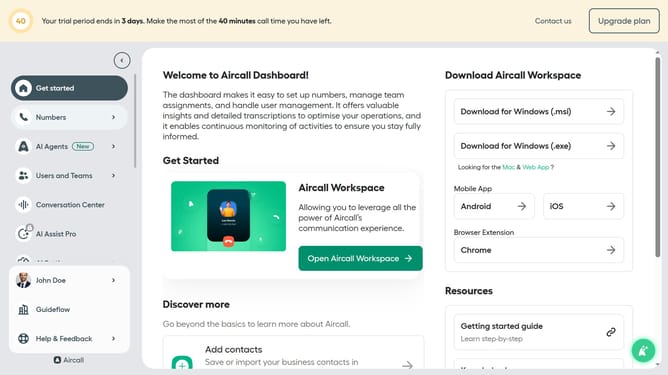
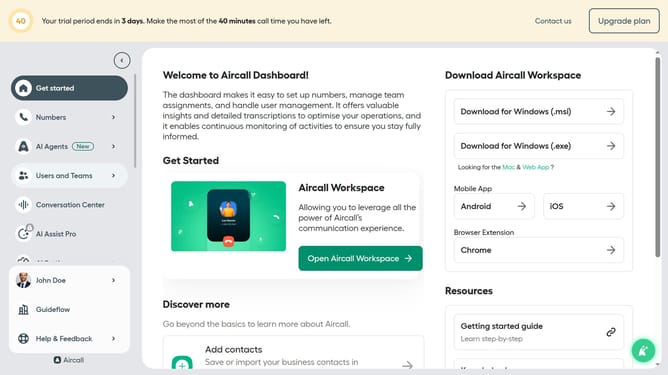
Here is how to enable local preference in aircall
- First click on your user profile in the left sidebar
- Then click on "Edit profile" in the dropdown menu
- Next, click on the "Call preferences" tab
- After that, click on the toggle switch to enable "Local presence"
- Finally, click on the "Save changes" button
Why should you enable local preference in Aircall
Aircall is a versatile cloud-based phone system designed to modernize business communication.
Enabling local preference in Aircall enhances your call experience by connecting calls through local numbers, providing a familiar area code to your customers.
This feature not only increases the likelihood of your calls being answered but also bolsters your company's local presence and credibility.
Utilizing local preferences in Aircall empowers businesses to personalize and optimize their communication strategies effectively.
Last update