How to enable email notification for voicemails in Aircall
Here is how to enable email notification for voicemails in aircall
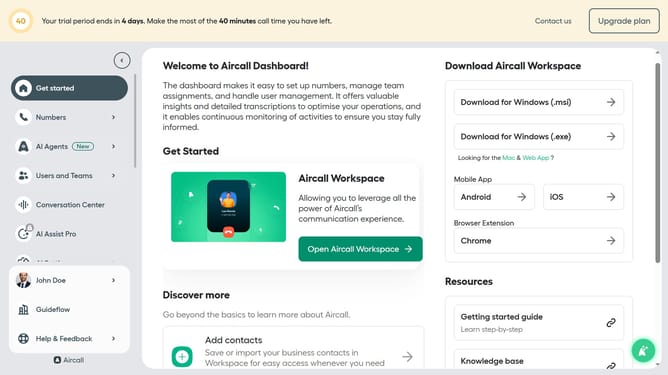
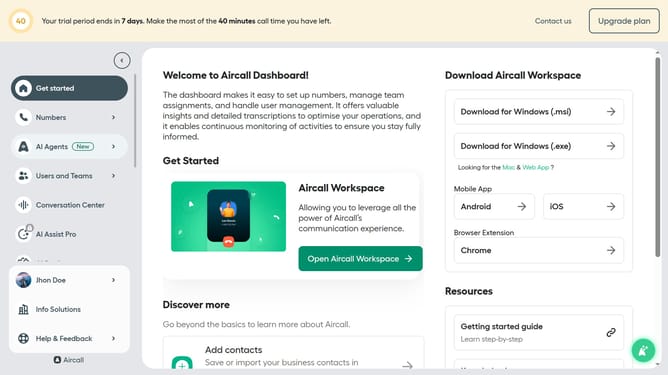
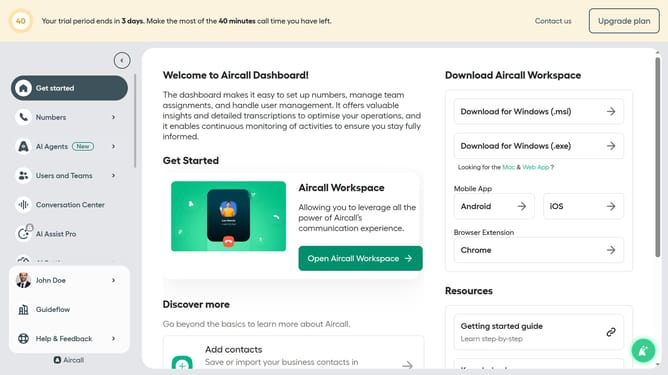
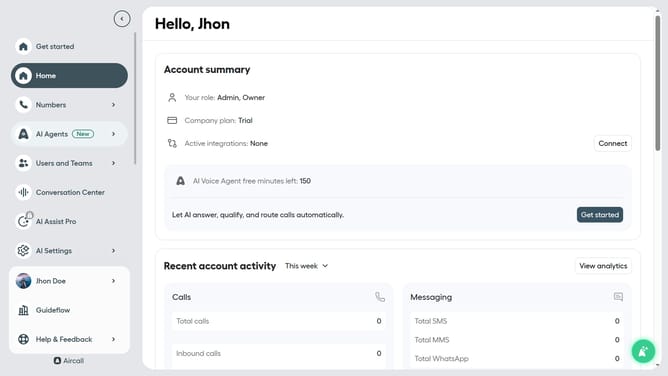
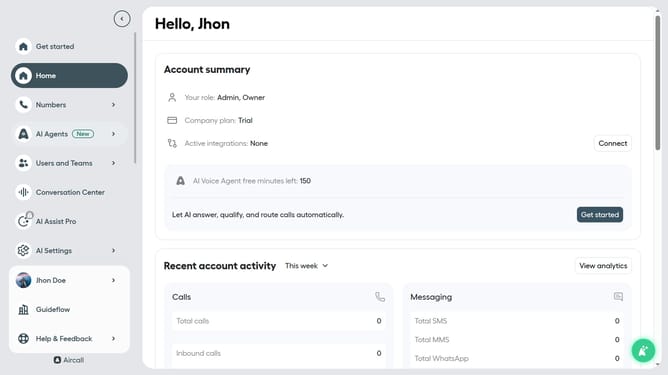
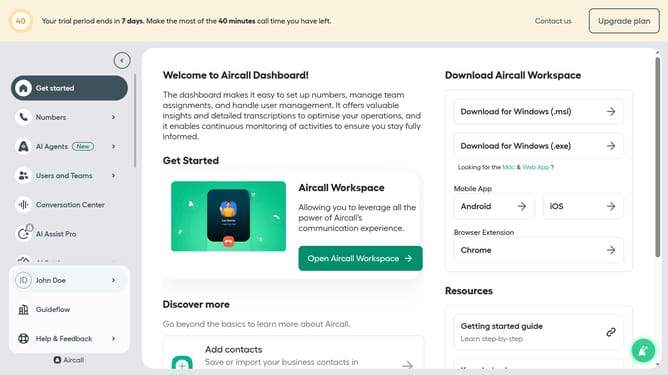
- First click on your user profile in the left sidebar
- Then click on "Edit profile" option
- Then click on the "Notifications" tab
- Finally, toggle ON the "Receive voicemails by email" option
Why should you enable email notification for voicemails in Aircall
Aircall is a powerful cloud-based phone system designed for modern businesses to enhance communication efficiency.
Enabling email notifications for voicemails in Aircall ensures you never miss crucial messages and keeps your team aligned, even when on the go. It provides seamless communication by instantly directing voicemails to your inbox, allowing you to tackle them with priority.
This feature offers the flexibility of accessing voicemails from anywhere, ensuring continuity in responding to clients and boosting customer satisfaction and internal collaboration.
Last update