How to create an AI messaging agent in Aircall
Here is how to create an ai messaging agent in aircall
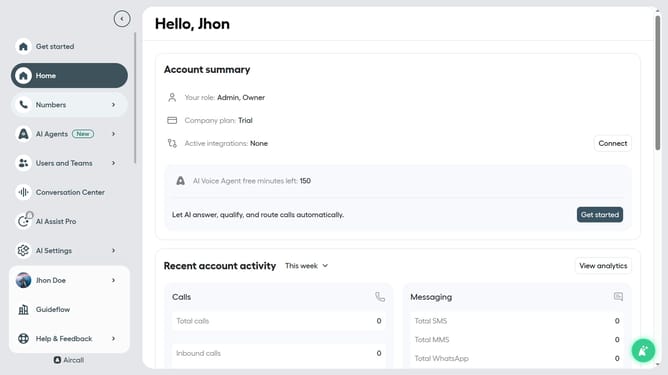
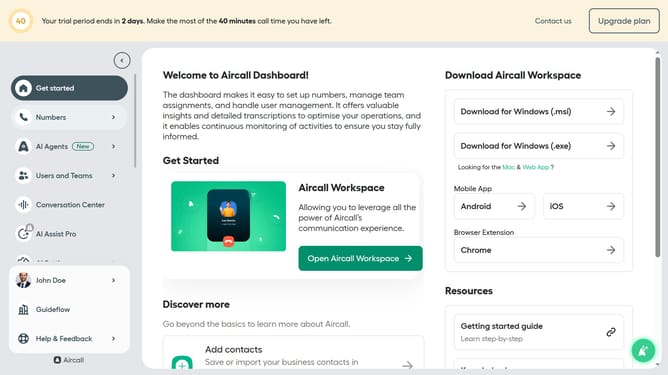
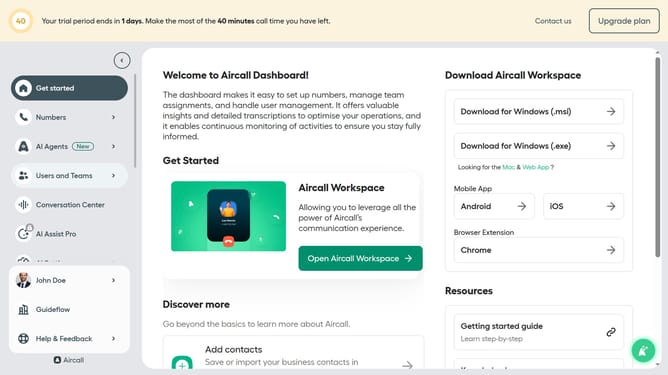
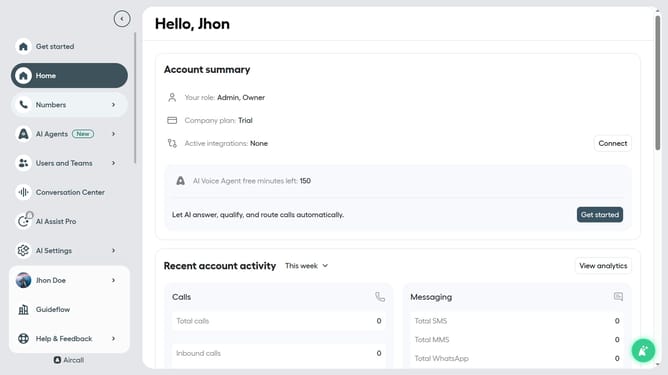
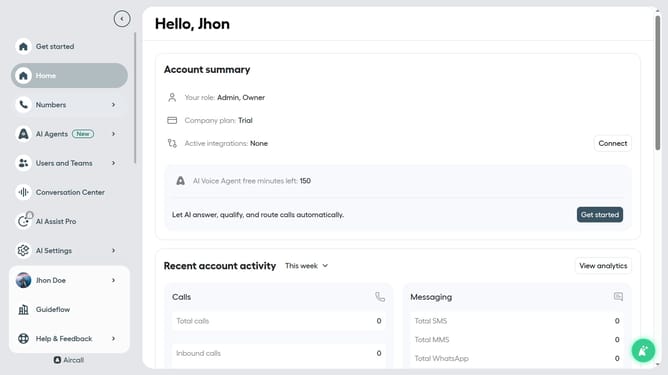
- First click on "AI Agents" item in the left sidebar
- Then click on "AI Messaging Agents" option
- Next click on the "Create Agent" button
- Then type its title into the "Name" input field
- Finally click on the "Save" button
Why should you create an AI messaging agent in Aircall
Aircall is a cloud-based phone system designed for modern businesses to enhance communication effortlessly.
Creating an AI messaging agent in Aircall simplifies customer interactions by automating responses to common inquiries, ensuring quick and efficient communication.
Utilizing AI messaging agents enhances customer satisfaction by reducing wait times and freeing up your team to handle more complex requests.
This feature offers businesses the opportunity to scale their customer service operations while maintaining a high level of personalized interaction.
Last update