How to add a note on a contact in Aircall
Here is how to add a note on a contact in aircall
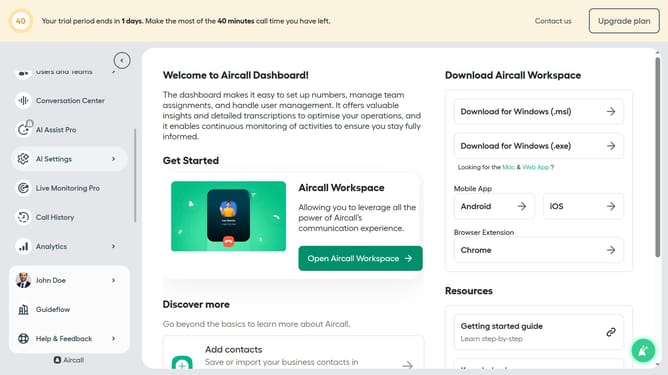
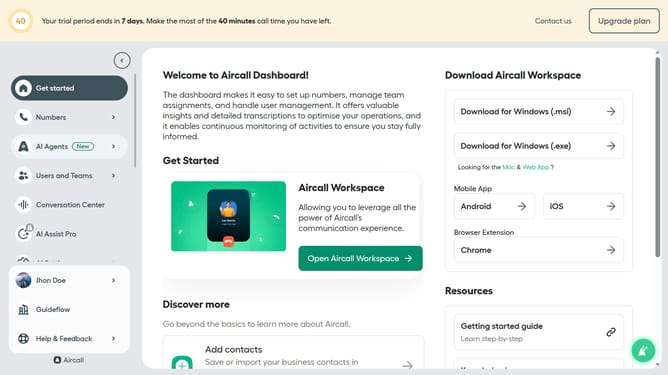
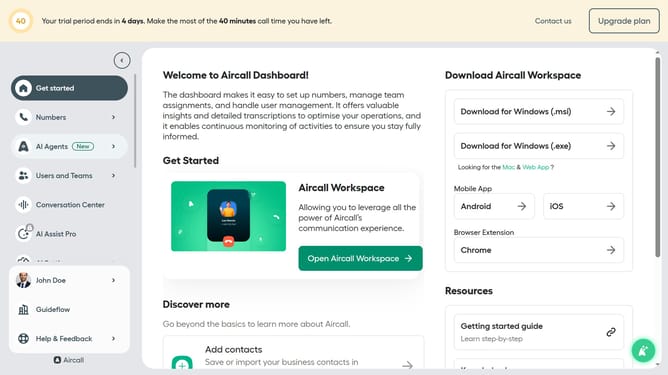
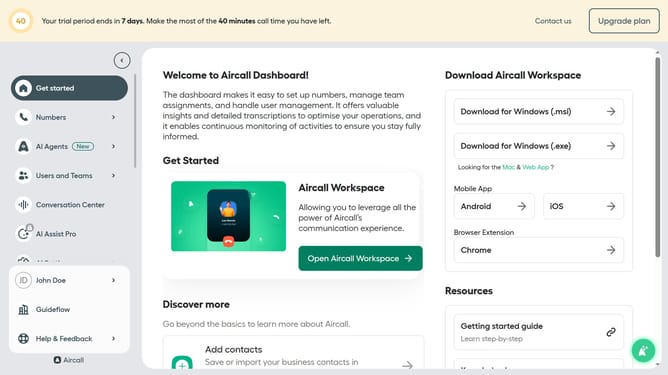
- First click on the "Open Aircall Workspace" button on the dashboard
- Then click on the "Contacts" item in the left sidebar
- Next, click on the contact from the "All contacts" list
- After that, click on the "Edit contact" button
- Then, type additional information into the "Note" text area
- Finally, click on the "Save" button
Why should you add a note on a contact in Aircall
Aircall is a powerful cloud-based call center solution designed to streamline business communications.
One of its intuitive features allows you to effortlessly add notes to a contact. This capability enhances clarity in communication by enabling users to attach crucial information to each contact entry, ensuring everyone involved is on the same page.
Utilizing the note feature facilitates smoother follow-ups and collaboration across teams, ultimately boosting productivity and improving the customer experience.
Last update