How to set accent in an AI voice agent in Aircall
Here is how to set accent in an ai voice agent in aircall
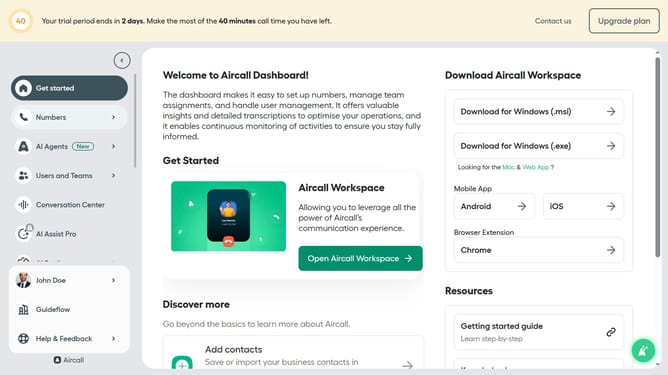
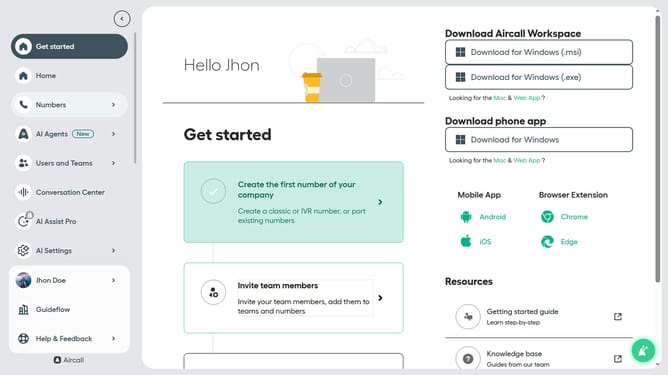
- First click on the "AI Agents" item in the left sidebar menu
- Then click on "AI Voice Agents" in the dropdown menu
- Next click on the voice entry you want to manage
- Then click on the "Accent" dropdown menu
- Then select from the Accent dropdown list
- Finally click on the "Save" button
Why should you set accent in an AI voice agent in Aircall
Aircall, a versatile cloud-based phone system, is designed to streamline business communication for modern teams.
Setting an accent in an AI voice agent in Aircall enhances user interaction by tailoring voice nuances to suit diverse audiences.
By customizing accents, businesses can resonate better with global clients, ensuring messages are delivered with clarity and cultural relevance.
This feature elevates your brand's accessibility, fostering a more inclusive and engaging customer experience.
Last update