How to create a waiting experience element in Aircall
Here is how to create a waiting experience element in aircall
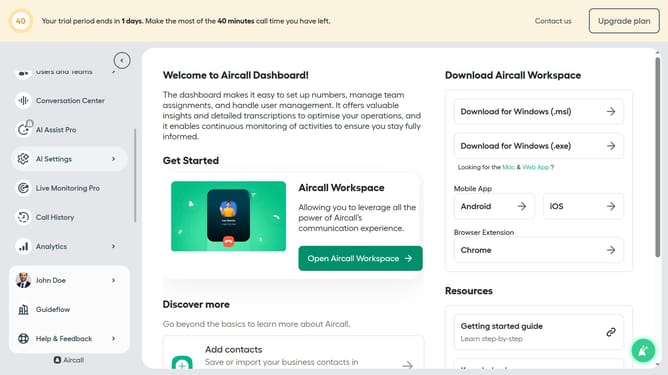
- First click on "Home" in the left sidebar
- Then click on "Numbers" in the left sidebar
- Next click on the name of the number you want to manage from the table
- Then click on the "Edit" button
- Click on the "+" icon below "Office Hours"
- Click on the "+" icon in the smartflow editor
- Then select "Waiting experience" from the dropdown menu
- Finally click on the "Publish" button
Why should you create a waiting experience element in Aircall
Aircall is a cutting-edge cloud-based phone system designed to enhance business communications with ease.
Creating a waiting experience element in Aircall enriches the caller's journey by transforming idle time into an opportunity for engagement. This feature allows businesses to set customized music or informative messages that captivate and reassure callers while they wait, demonstrating professionalism and care.
Leveraging this element not only reduces perceived wait times but also enhances customer satisfaction. It's an efficient way to elevate brand perception and transform necessary pauses into positive customer touchpoints.
Last update